Quick answer: For most transactional self-service deployments in 2026, 15.6″–21.5″ is the compact kiosk sweet spot : large enough to run a full ordering, check-in or bill-pay flow, small enough to fit countertops, wall mounts and tight lobby footprints. Versus 27″–32″ units, the range cuts enclosure material, shipping weight and occupied floor space, while still meeting ADA/EAA reach and touch-target rules. The trade-off is heat density and peripheral packing — which is where enclosure design decides your total cost of ownership.
Quick answer
For most transactional self-service deployments in 2026, 15.6″–21.5″ is the compact kiosk sweet spot : large enough to run a full ordering, check-in or bill-pay flow, small enough to fit countertops, wall mounts and tight lobby footprints. Versus 27″–32″ units, the range cuts enclosure material, shipping weight and occupied floor space, while still meeting ADA/EAA reach and touch-target rules. The trade-off is heat density and peripheral packing — which is where enclosure design decides your total cost of ownership.
Why the market moved down in size
Two forces converged. First, the overall market keeps expanding — the self-service kiosk market is estimated to grow from $28.27 billion in 2025 to $31.14 billion in 2026, a 10.2% CAGR (ResearchAndMarkets, 2026). Second, the mix is shifting from advertising-led large formats toward transactional, space-constrained units.
Industry trend coverage now explicitly frames this as “right-sizing”: the rejection of bulky hardware in favour of compact, space-efficient terminals, with the 15.6″–21.5″ band described as the sizing “gold standard” for transactional kiosks (TCANG, 2026 digital kiosk display trends). The banking vertical shows the same economics — banking and financial kiosks took 28.12% of kiosk revenue in 2025 on the back of ATM-replacement and branch downsizing, where footprint per branch is a hard constraint (Mordor Intelligence).
Translated into a sourcing decision: buyers are no longer asking “how big can the screen be”, they are asking “how much transaction can I fit into this square metre”.
Scenario fit: which size belongs where
| Deployment scenario | Recommended size | Why |
|---|---|---|
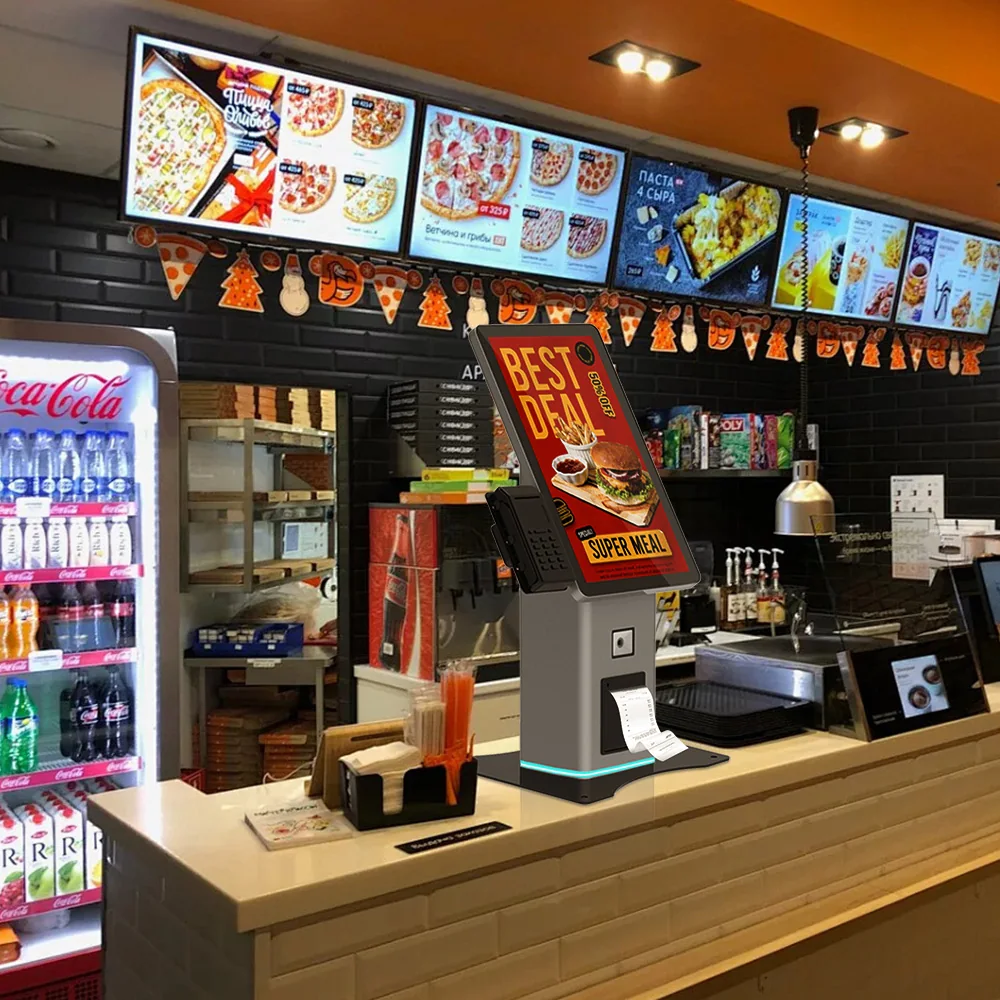
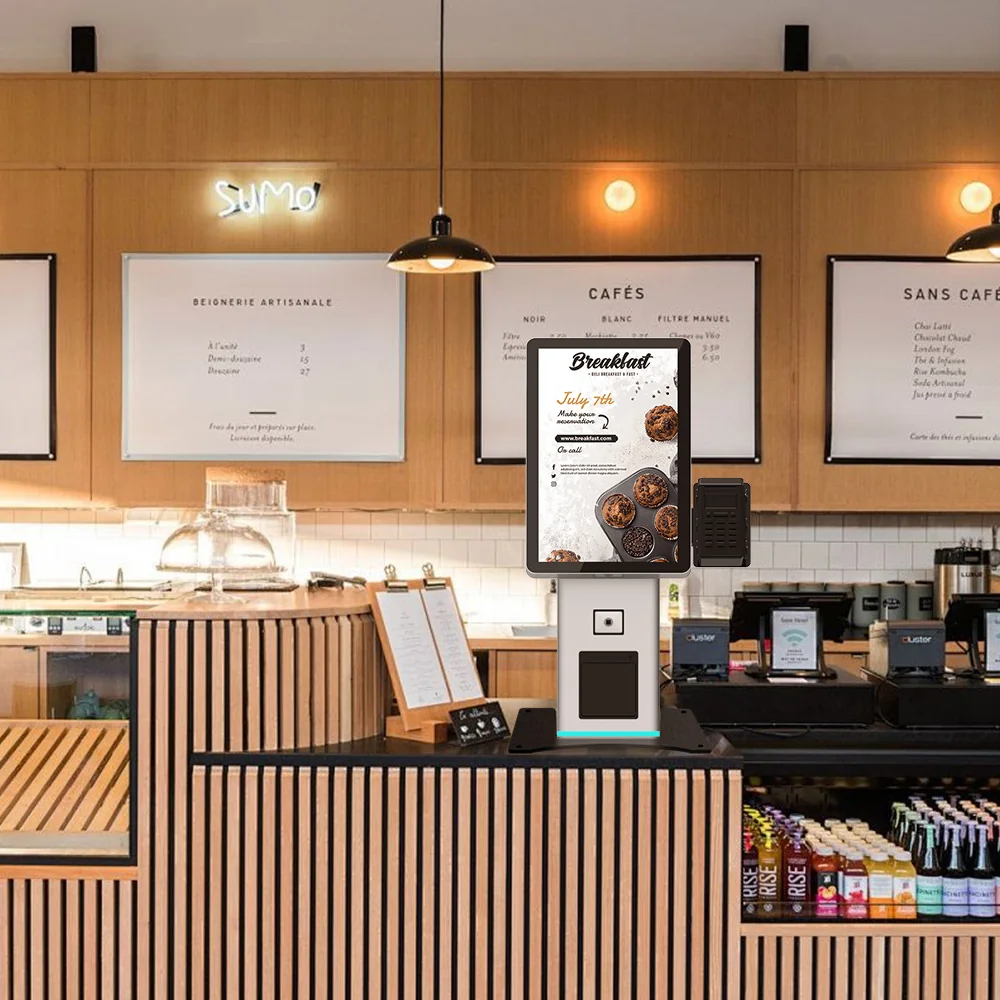
| QSR / café self-order, tabletop or back-counter | 15.6″ | Fits existing counter run; menu grid stays legible at arm’s length |
| QSR self-order, freestanding in the entry lane | 21.5″ | Up-sell carousels and payment prompts without crowding the aisle |
| Retail / mall wall-mount info & loyalty | 21.5″ | Wall plenum depth and weight are the binding constraint, not diagonal |
| Hotel check-in in a narrow lobby | 21.5″ or 23.6″ | 21.5″ for a single-lane desk; 23.6″ if ID scanning + key encoding need real estate |
| Cash handling / change dispenser at POS | 15.6″–21.5″ | Cash module, not the screen, drives the enclosure volume |
| Hospital wayfinding at a corridor junction | 21.5″–32″ | Viewing distance grows; go larger only when readers stand back |
Spec comparison: 15.6″ vs 21.5″ vs the 23.6″/32″ tier
| Dimension | 15.6″ | 21.5″ | 23.6″–32″ |
|---|---|---|---|
| Primary mount | Tabletop / countertop | Tabletop, floor-stand, wall-mount | Floor-stand, wall-mount |
| Typical use | Order, loyalty, change | Order, check-in, bill-pay, info | Multi-function, wayfinding, cash redemption |
| Footprint | Lowest | Low–medium | Medium–high |
| Shipping weight & freight band | Lowest | Low–medium | Higher; freight class can change |
| ADA/EAA reach compliance | Easiest at counter height | Easiest with floor-stand | Needs careful lower-reach design |
| Thermal headroom for fanless | Comfortable | Adequate with vented path | Constrained if fanless required |
| Peripheral ceiling (cash, scanner, printer) | 1–2 modules | 2–3 modules | 3+ modules |
Standardised configurations map onto this table directly: the US-K156 15.6″ tabletop kiosk for counter deployments, the dual-mount US-K215FS-1 21.5″ floor & desktop kiosk for lane entry, the US-K215WM 21.5″ wall-mount kiosk where plenum depth rules, and the cash-capable US-K215CB 21.5″ cash-handling kiosk when the bill recycler sets enclosure volume.
The real risks in going compact — and how to de-risk them
1. Heat density. Shrinking the enclosure without reworking the airflow path is the classic failure. A fanless 21.5″ build needs a designed vent channel and a heat-spreading back plate; retrofitting ventilation after the enclosure is tooled is expensive. Ask for a thermal simulation or a burn-in report at the target ambient temperature before tooling sign-off.
2. Peripheral packing. A receipt printer, scanner and cash module in a compact body turns cable routing into a serviceability problem. Specify field-replaceable modules with labelled harnesses so on-site swap time stays in minutes, not hours — this is the cost that shows up as the service line in a kiosk TCO model , not on the bill of materials.
3. Mounting and reach compliance. If the unit must satisfy the European Accessibility Act or ADA, the 15.6″–21.5″ band helps, but only if the mount height is chosen for a seated or standing user. Lock the mount and screen tilt before the enclosure design is frozen; changing mount type later can invalidate the tooling. See our EAA & ADA kiosk certification guide for the test points buyers ask for.
4. Certification scope creep. Cash-accepting compact kiosks increasingly carry compliance weight (payment, accessibility, in some markets cash-acceptance rules), so confirm which certifications are in scope for your destination market before committing to enclosure dimensions — see Cash Acceptance Mandates 2026 .
5. Customisation model. Compact enclosures are the most sensitive to tooling and MOQ decisions. Whether you choose OEM, ODM or white-label changes the unit cost and lead time more than the screen size does — our OEM vs ODM vs White-Label comparison walks through the five models, cost and lead time side by side.
What to lock in the RFQ
- Target transaction flow and required peripheral count (this sets the size band).
- Mount type and height, plus the accessibility standard you must certify to.
- Ambient operating temperature and whether fanless is mandatory.
- Destination market, so certification scope is priced in from the start.
- Service model: field-replaceable modules and their swap time.
Next step
If you are scoping a 15.6″–21.5″ build and want to know whether a standard configuration covers it or you need a custom enclosure, send us your transaction flow, peripheral list and target market. We will come back with a configuration fit check, the certification scope for your market, and an OEM/ODM quotation with lead time — request a quote or a sample unit through our contact page.