Quick answer: Plan self-ordering kiosk hardware for restaurants, cafeterias and quick-service environments with a clear peripheral and installation checklist.
Overview
Plan self-ordering kiosk hardware for restaurants, cafeterias and quick-service environments with a clear peripheral and installation checklist.
Map the ordering journey
Define menu browsing, item customization, payment, receipt printing and order collection. The hardware layout should support this sequence without forcing the user to change position or reach awkwardly.
Choose the installation format
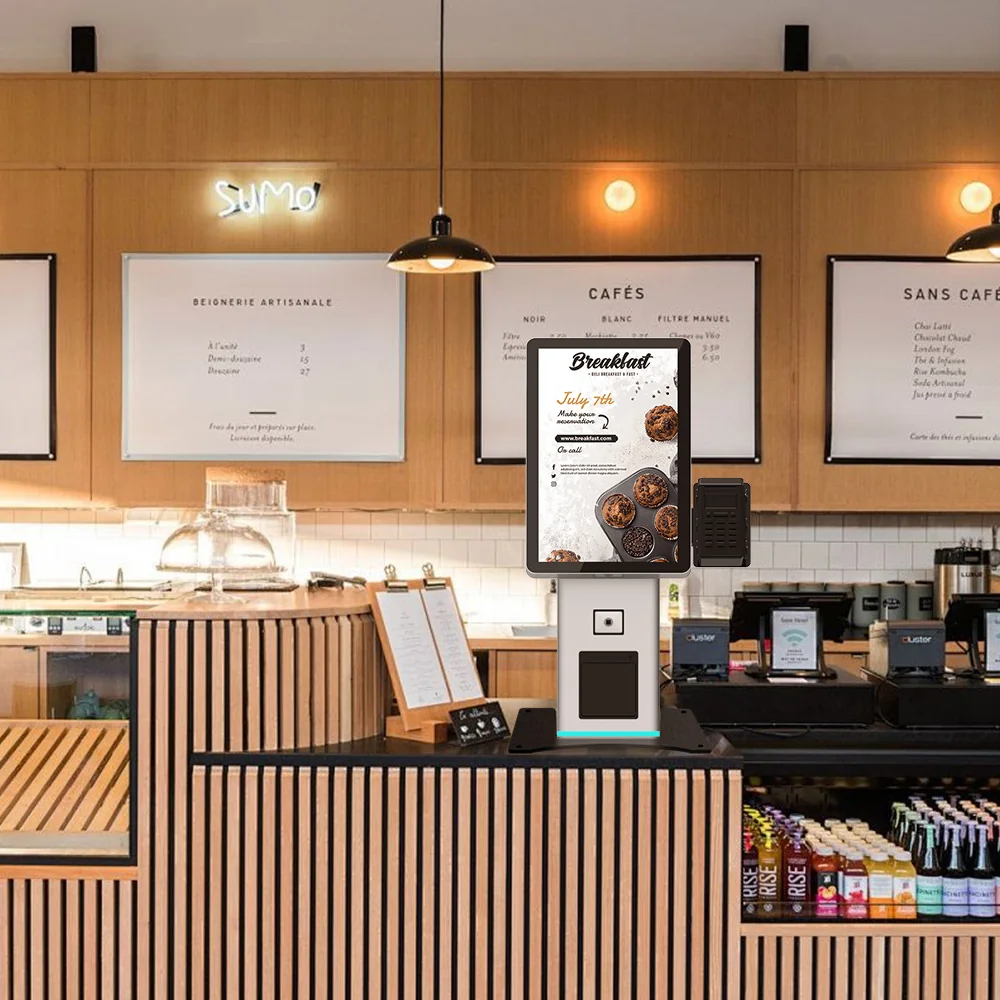
Desktop kiosks suit counters with limited floor area. Floor-standing kiosks increase visibility and can hold more peripherals. Confirm customer height range, accessibility, cleaning and front-of-house traffic.
Specify restaurant peripherals
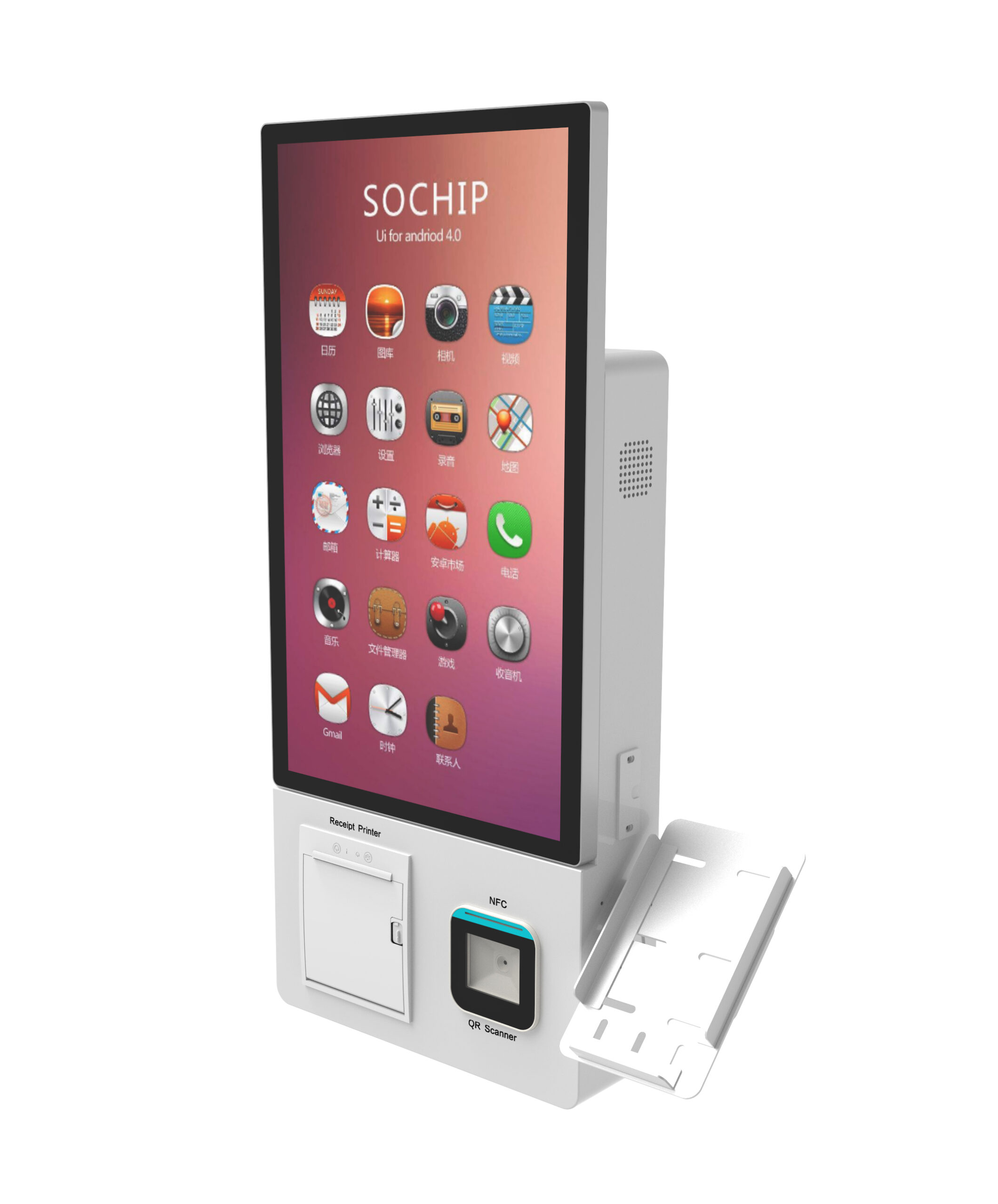
Common modules include a receipt printer, QR or barcode scanner, NFC reader, payment terminal bracket, camera and audio. Module support must be verified against the selected model and operating system.
Keep software and hardware responsibilities clear
Usingwin focuses on kiosk hardware, enclosure engineering and integration support. Restaurant ordering applications, menu management and payment processing are normally supplied by the customer or its software partner.
Buyer specification and acceptance checklist
A restaurant ordering kiosk must connect a customer order to the restaurant service process. Define how menu changes, unavailable items, modifiers, payment status and kitchen acceptance are handled. A touchscreen demonstration alone does not confirm that the POS, payment terminal and kitchen workflow will operate together.
| Decision | What to specify | Evidence to request |
|---|---|---|
| Ordering | Provide the menu structure, modifiers, languages and item-availability rules. | Test an unavailable item and a changed order before payment. |
| Payment | Name the payment provider, terminal model and integration owner. | Test declined payment, cancellation and recovery without creating duplicate orders. |
| Kitchen handoff | Describe when the order reaches the POS or kitchen display and how staff identify it. | Verify that one paid order produces the expected kitchen record and pickup reference. |
| Service access | Specify receipt replenishment, cleaning access, cable routing and counter or floor mounting. | Have restaurant staff perform the routine service steps on the sample. |
What should the prototype acceptance test include?
Run the pilot with representative menu items, including the longest modifier sequence and a deliberately unavailable product. Check whether the payment state and kitchen state remain consistent if the network is interrupted. Define the customer message and staff recovery procedure instead of allowing the application to show a generic error screen.
Frequently asked procurement questions
Is a receipt printer mandatory for a self-ordering kiosk?
Not for every workflow. A restaurant may use printed receipts, on-screen pickup references or another agreed confirmation method. Decide how the customer proves payment and identifies the order, and how staff handle a missing receipt before selecting the printer configuration.
Can the same ordering kiosk work with any restaurant POS?
Compatibility must be confirmed for the actual POS version, interfaces and application. Ask who maintains the integration and who tests it after updates. A cabinet that can physically hold a payment terminal does not prove end-to-end POS compatibility.