Quick answer: Short answer: in 2026 a custom kiosk rarely ships with one payment path. Specify card and contactless as the default (EMV Level 1/2 + PCI PTS terminal inside a PCI DSS / P2PE scope), add a bill validator with recycler and a coin dispenser where a cash-acceptance mandate or unbanked footfall applies, and treat biometrics — palm vein or fingerprint — as a separate sensor module , not a feature of the front camera. Cash and biometric each add their own certification pass and typically three to six weeks of extra lead time.
Overview
Short answer: in 2026 a custom kiosk rarely ships with one payment path. Specify card and contactless as the default (EMV Level 1/2 + PCI PTS terminal inside a PCI DSS / P2PE scope), add a bill validator with recycler and a coin dispenser where a cash-acceptance mandate or unbanked footfall applies, and treat biometrics — palm vein or fingerprint — as a separate sensor module , not a feature of the front camera. Cash and biometric each add their own certification pass and typically three to six weeks of extra lead time.
Why this decision is now a hardware decision, not a software one
The payment method a kiosk “supports” is decided long before checkout software is written. It is decided in the bill of materials: which cut-outs the enclosure has, how much internal volume the cash module consumes, whether the terminal carries its own PCI PTS approval, and whether a biometric sensor has a power and data budget of its own. Change the path after the enclosure is tooled and you are re-tooling a chassis.
For OEM/ODM buyers this creates a familiar trap: the software team asks for “all payment options,” the industrial designer signs off a clean front panel, and the factory later discovers that a note recycler needs a second service door. Choosing the path before the mechanical freeze is the single highest-leverage procurement decision in a kiosk programme.
The three paths, side by side
| Payment path | Hardware you must specify | Compliance to verify | Best fit | Lead-time / integration impact |
|---|---|---|---|---|
| Cash | Bill validator (acceptance), bill recycler or cash box, coin dispenser / hopper where change is due, note & coin cassettes, jam-sensor and audit-log support, lockable cash chest, currency firmware | Local cash-acceptance mandates; currency-set recognition firmware; physical cash security; audit trail | Transit & parking, gaming & entertainment, hotel/hospitality, retail and food service in markets with cash mandates or heavy tourist/unbanked traffic | Highest. Mechanical — adds enclosure volume, a service door, and multi-week sourcing; needs its own acceptance/rejection test pass |
| Card & contactless | EMV chip reader, NFC antenna, PIN pad (or PIN-on-glass), PCI PTS-approved terminal, secure key injection, P2PE boundary, terminal-to-host connectivity | PCI DSS 4.0 scope, PCI PTS device approval, EMVCo Level 1 & 2, P2PE | Default for nearly every deployment; the baseline expectation of card-first markets | Lowest. The terminal is a module; the real work is scoping and certifying the software around it |
| Biometric (palm / fingerprint) | A dedicated biometric sensor module with its own mounting, power and data channel; enrollment flow; template storage; anti-spoof / liveness detection | Biometric-privacy law (consent, retention, deletion), data-protection rules; scheme programme rules where you join one | Repeat-visit environments — campus, stadium, loyalty-led retail, closed-loop payments | Medium–high. A new sensor plus an enrollment UX, not a camera-tweak |
Point 1: card is the default, but the compliance is the work
Card acceptance is the path most buyers underestimate on the compliance side rather than the hardware side. A PCI PTS-approved terminal is off-the-shelf; the effort is scoping the terminal inside your application so cardholder data never enters your own stack, and verifying P2PE if you handle the encrypted payload. Before launch, confirm the terminal’s approval class and the exact data boundary. Our PCI DSS / P2PE checklist for payment kiosks walks through the audit points buyers should require from any OEM/ODM partner.
Point 2: cash is a compliance spec, not a legacy option
Treating cash as a dying path is a common and expensive assumption. In markets where cash acceptance is mandated for essential services, or where a meaningful share of footfall is unbanked or visiting from abroad, the cash module is a specification requirement that decides whether the kiosk can legally operate at that site. We covered the regulatory angle in Cash Acceptance Mandates 2026 ; the hardware angle is simpler — either the enclosure was designed for a validator and recycler, or it was not.
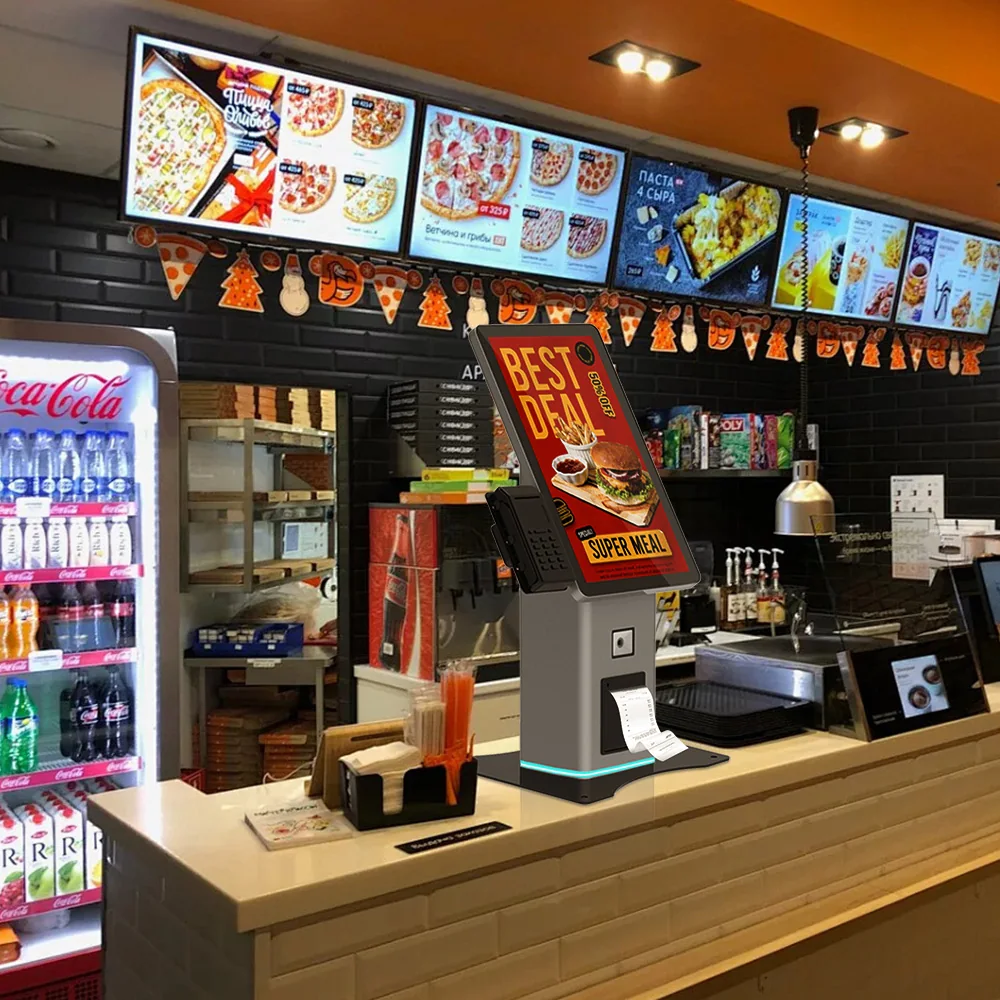
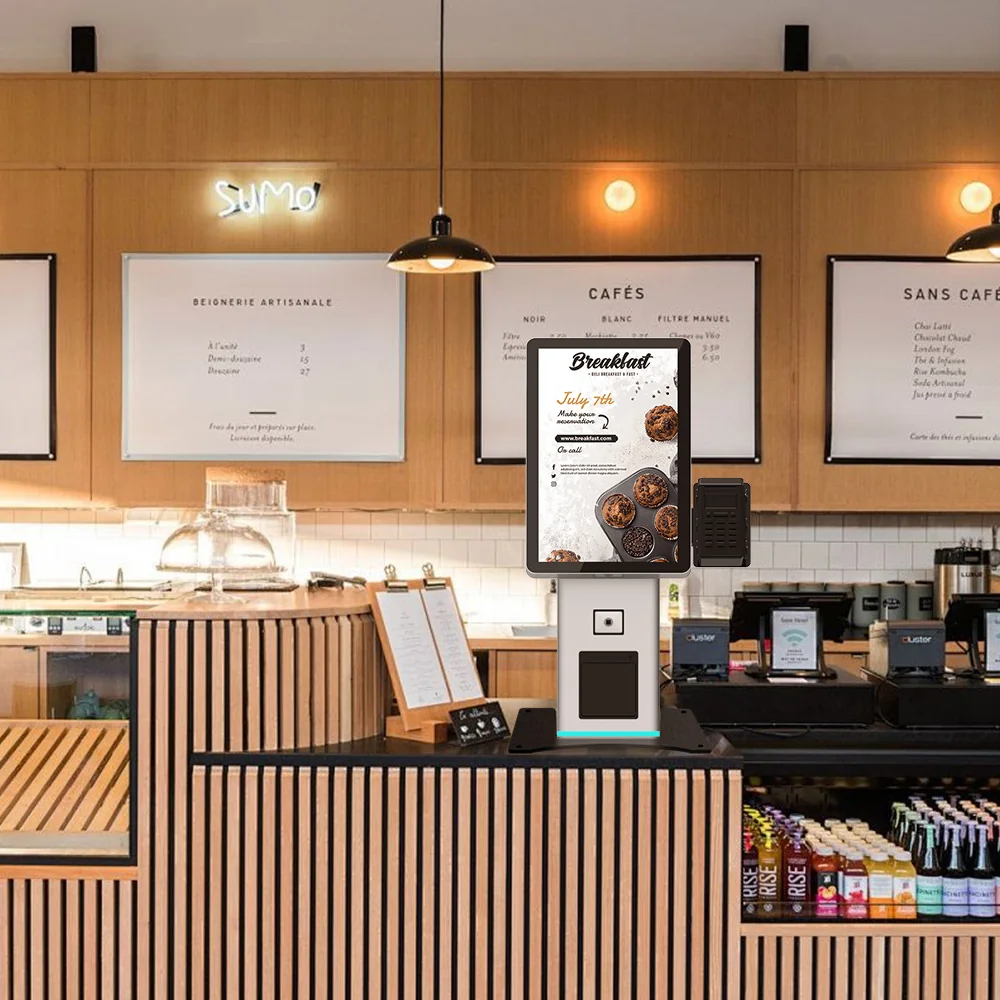
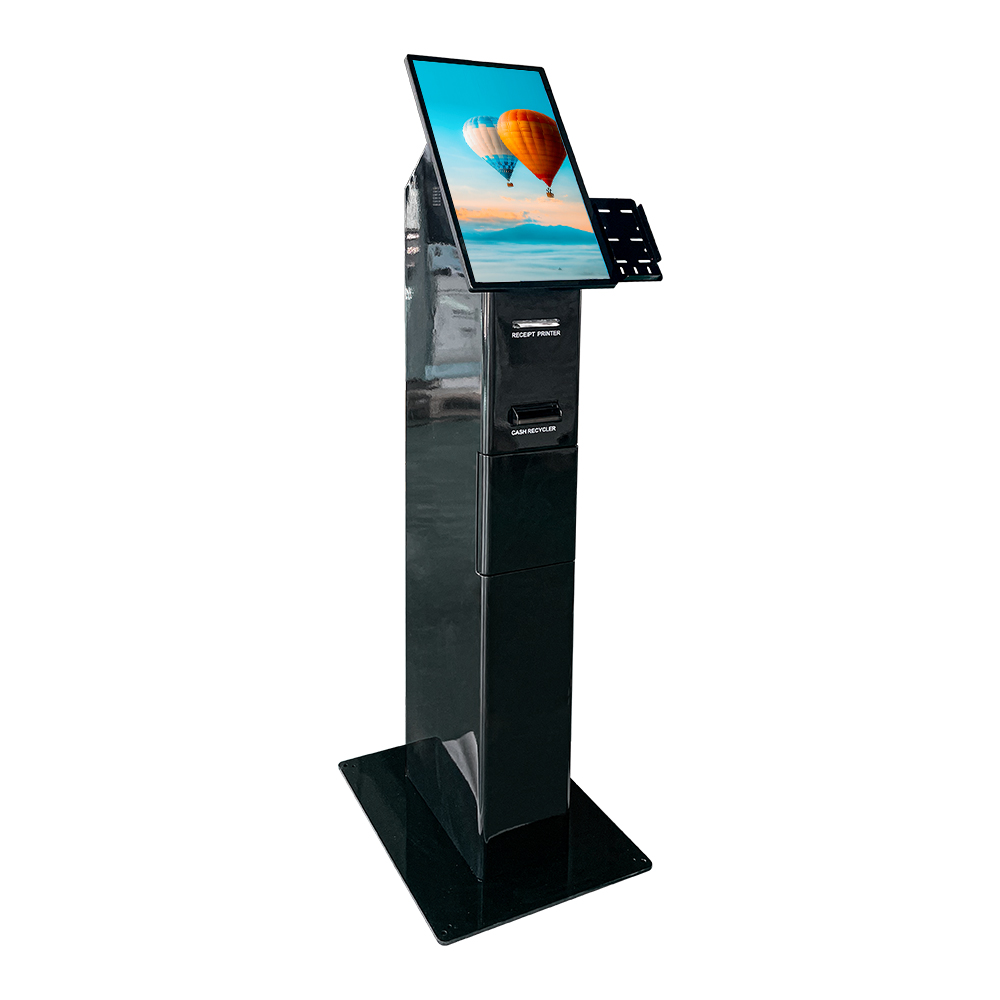
This is where the difference between suppliers shows up. Our cash-handling range is built around exactly this: a freestanding cash-handling platform like the US-K215CB and the currency-exchange unit US-K236CB-2 are configured for note acceptance, recycling and dispensing, while the compact US-K101CB desktop cash-handling kiosk brings the same module into a countertop footprint. For an OEM/ODM buyer the relevant question is not “do you sell cash kiosks” but “can the same chassis family be configured with or without the cash module so my SKU line is consistent.”
Point 3: biometrics are an added sensor, not a camera trick
The 2026 conversation around AI checkout and biometric payment has produced a widespread misconception: that a kiosk with a camera can “do biometrics” with a firmware update. It cannot. Palm-vein and fingerprint payment run on dedicated sensors with defined capture geometry, liveness/anti-spoof requirements and their own enrolment flow — the kind of capability commercial programmes such as scheme-run biometric checkout pilots and palm-payment services are built on. If you want biometric payment, budget a sensor, a mount, and an enrolment UX as distinct line items.
Biometric also carries a compliance layer the other two paths do not: biometric data is regulated, and consent, retention limits and deletion must be designed in, not bolted on. Under a GDPR-style regime, biometric templates used for identification are a special category of personal data, which means a lawful basis (normally explicit consent), a defined retention period and a real deletion path are all mandatory — not optional. For a closed-loop deployment (a campus, a stadium, a single retail loyalty scheme) this is manageable. For an open public kiosk it is a legal review, not a feature toggle.
How to de-risk the specification
- Freeze payment paths before the mechanical design freeze. Every path added after tooling is drawn is a chassis re-cut, a new service door and a new mechanical validation pass — not a BOM line.
- Ask for the module make and approval class in writing — the terminal’s PCI PTS POI approval number, the validator model and its interface (EBDS / ccTalk), and the EMVCo Level 1 (hardware) and Level 2 (kernel) status — not the phrase “supports payment.”
- Require a currency-recognition firmware plan. Banknote series and denominations change on a national schedule; acceptance is a maintained firmware-and-test obligation, not a one-time certification, so ask who updates it, how fast, and at what cost.
- Separate your compliance scope from your supplier’s. Know exactly where cardholder data and biometric templates stop — your PCI DSS 4.0 scope, your P2PE boundary, your data-processing obligations — and get that boundary documented in the contract.
- Verify the factory’s process, not just the sample. Our 2026 OEM/ODM procurement checklist lists the evidence to demand: CE (EMC/LVD), FCC Part 15, RoHS, and a current ISO 9001:2015 certificate with the scope and validity dates checked.
Frequently asked questions
Can a kiosk with a camera do biometric payments?
No. A front-facing camera is not a payment-grade biometric sensor. Palm-vein and fingerprint payment require a dedicated sensor module with defined capture geometry, liveness/anti-spoof detection and its own enrolment flow, mounted and powered as a separate line item. Adding biometric payment is a hardware and compliance project, not a firmware update.
What validator or terminal approval should I ask for?
For card, ask for a PCI PTS POI-approved terminal plus EMVCo Level 1 (hardware) and Level 2 (kernel) status, and confirm the PCI DSS 4.0 / P2PE boundary. For cash, ask for the validator model, its acceptance class and its interface protocol (e.g. EBDS or ccTalk), plus the recycler and coin-dispenser configuration.
Does adding a cash module really change lead time?
Yes — typically three to six weeks on top of a card-only build. The cash path is mechanical: it adds enclosure volume, a service door and a lockable cash chest, and it needs its own note-acceptance and rejection test pass before shipment.
Is cash still worth specifying in 2026?
In markets with cash-acceptance mandates for essential services, or where a meaningful share of users are unbanked or international visitors, cash is a legal and commercial requirement rather than a legacy option. Where neither applies, card and contactless can be the single default path.
What MOQ applies to an OEM/ODM payment kiosk?
Evaluation builds can start at one unit so the configuration and certification path can be validated before volume commitment. Production MOQ and unit pricing are set per configuration, market and volume — request a quote with your target market and transaction mix.
Next step
If you are specifying a payment kiosk for 2026, send us the target market, the required payment paths and the expected daily transaction mix. We will return a configuration recommendation across our cash-handling and card-ready platforms, with the module list, certification requirements and a lead-time estimate. Request a quote, a sample unit or the datasheet for the US-K215CB cash-handling platform — MOQ starts at one unit for evaluation builds.