Quick answer: Short answer: for payment or cash-handling kiosks on permanent, leased sites, shortlist a wired primary link with an independent cellular failover; Wi-Fi-only belongs where cabling is genuinely infeasible and you control the RF environment; cellular-only fits temporary, pop-up or genuinely unmetered sites. The deciding variable is not throughput. It is who owns the failure path, who pays the recurring data bill per site, and how much of that decision you can still change after the site survey.
Overview
Short answer: for payment or cash-handling kiosks on permanent, leased sites, shortlist a wired primary link with an independent cellular failover; Wi-Fi-only belongs where cabling is genuinely infeasible and you control the RF environment; cellular-only fits temporary, pop-up or genuinely unmetered sites. The deciding variable is not throughput. It is who owns the failure path, who pays the recurring data bill per site, and how much of that decision you can still change after the site survey.
Two boundaries up front. This page publishes no uptime percentages, hardware prices or carrier tariffs — those are site- and contract-specific, and any figure a connectivity vendor gives you stays a vendor claim until your own on-site failover test reproduces it. It also does not rank routers; it gives you the criteria and the questions to put in front of your integrator, carrier and kiosk vendor in the same week.
Why this decision is cheap now and expensive later
Cabling, conduit and penetration approvals are the items that set install lead time and landlord negotiations. Those are also the items you cannot retrofit cheaply once the enclosure is anchored and the floor is finished. Change the network path after the site survey and you re-open three things at once: the site survey itself, the enclosure and router-bay spec, and the compliance review of whichever leg carries cardholder data.
That is the lens to shortlist with — rework risk, not peak bandwidth. A kiosk that authorises a card payment needs a fraction of the throughput a video wall does; it needs a link that survives its failure modes and a documented path back to service without a truck roll.
Decision question 1: when it goes down, whose problem is it?
Failure ownership differs by path, and it determines how long an outage lasts:
- Ethernet: the outage belongs to the ISP or the landlord, and it is usually one escalation path back to a named circuit.
- Wi-Fi: the outage is shared. Adjacent SSIDs, guest-network reconfiguration, channel congestion and in-building interference are all outside your control, and the person who can fix it may not be on your contract at all.
- Cellular: the outage is a carrier problem plus a signal-quality problem at the exact antenna mount position — which is only measurable where the unit actually stands, not in the car park.
The trap to design around is the shared physical failure path . A second wired link that runs through the same trench, conduit or building entry point as the primary is not redundancy: a single construction strike, flood or backhoe event can take both down. KORE makes this point directly when comparing wired and wireless failover options — a wired backup often sits in almost the same location as the primary, so a physical cause of outage is likely to affect both. If your “redundant” circuit enters the building through the same duct, treat it as one link.
For failover that crosses media, Wavetec’s guidance on kiosk installs in low-connectivity zones describes the pattern plainly: Ethernet as primary, cellular as backup, with automatic switch to 4G/5G when the main line drops. That architecture solves a single-ISP outage. It does not solve a kiosk-side cable, router or power fault.
The test to demand before acceptance: a documented failover drill. Pull the primary link, then confirm the kiosk still completes a transaction end to end. Do not accept a status LED change as evidence; the router can report a healthy secondary link while the application session has already died.
Ethernet vs Wi-Fi vs cellular failover: the shortlisting table
| Criteria | Ethernet primary | Wi-Fi primary | Cellular (primary or failover) |
|---|---|---|---|
| Cabling and install scope | Conduit, core drilling, floor/ceiling runs, landlord penetration approval; per-site survey required | Minimal cabling; access point placement and backhaul still need a survey | No cabling to the kiosk; antenna mount point and cable routing inside the enclosure still matter |
| Install lead time driver | Landlord approval and cabling crew scheduling — confirm with site owner | Access point provisioning and credentialing — confirm with IT | SIM activation and carrier provisioning — confirm with carrier |
| Recurring cost owner | Operator or landlord, per circuit | Building network owner, per site | Operator, per SIM/unit; plan tier and overage rate to be confirmed with carrier |
| Typical failure modes | ISP outage; physical cable damage; router or switch fault at the kiosk end | Interference, congestion, credential/roaming changes, AP reboot, neighbouring network changes | Coverage at the exact mount height, carrier outage, data-plan exhaustion, antenna or modem fault |
| What breaks first in practice | Physical path — trench, riser or entry point shared with the “backup” link | Someone else’s change to a network you don’t own | Signal at the real position, discovered after install if not swept beforehand |
| Payment/compliance impact | Easiest to segment and evidence to an acquirer or QS | Wireless leg must be reviewed for how cardholder data traverses it | Wireless leg applies here too; carrier and router configuration both sit in scope |
| Best-fit site type | Permanent branch, store or lobby with a controlled comms room | Leased or temporary space where the building already provides managed Wi-Fi | Temporary, pop-up, island and remote sites; as backup anywhere |
Every cell above is deliberately a question, not a number. Use it as the agenda for your survey and carrier calls, and fill in the answers per site rather than accepting a fleet-wide average.
Failover architectures worth shortlisting — and what each one does not fix
- Ethernet primary + cellular backup with automatic switch. The default for transactional sites. Fixes a single-ISP outage. Does not fix a kiosk-side power, cable or router fault, and does not help if the failover decision sits in a router that lost power too.
- Wi-Fi primary + cellular backup. Keeps leased and temporary sites viable. Leaves you exposed to in-building RF and credential changes you do not control, and the Wi-Fi leg still needs compliance review.
- Multi-WAN router with policy-based steering. Lets you decide which traffic is allowed to fall back — payment authorisation first, telemetry and log upload held until the primary returns. Note the distinction a connectivity vendor will make: SD-WAN is a traffic orchestration layer, not a link. It steers what you already have; it does not add a path.
- Router categories to evaluate. Multi-WAN routers with Ethernet WAN, Wi-Fi WAN and SIM slots are the common shortlist items, with antennas attached per the installation guide. Agree the category and the questions, not a brand, before you know the site list.
- Satellite as a last resort. Relevant only where there is no terrestrial option. Treat it as a watch item: verify coverage at the exact coordinates, plan terms and latency tolerance against your payment flow before it enters a shortlist.
Site constraints that eliminate an option before cost even enters
In practice the path gets killed by physics or permissions, in roughly this order:
- Cabling feasibility and landlord approval. Verification: written confirmation of permitted penetrations and conduit routes, not a verbal OK on a walkthrough.
- Distance from the nearest network point. Verification: measured cable run, including the service loop, from the comms room to the enclosure position.
- RF environment. Verification: an RF sweep at the proposed antenna mount height, inside the enclosure, at the busiest hour — a mall concourse and a basement plant room behave differently on the same day.
- Ambient heat where the radio would sit. Verification: temperature at the mount point, plus the enclosure’s thermal headroom once an additional radio is powered inside it.
- Enclosure rating and service access. Verification: confirm the housing is rated and sized for the added radio, and that a technician can reach the SIM and antenna connectors without dismantling the unit.
- Population density of the site. Verification: place a trial unit at the real position for a defined observation window covering your peak transaction hours before committing the fleet.
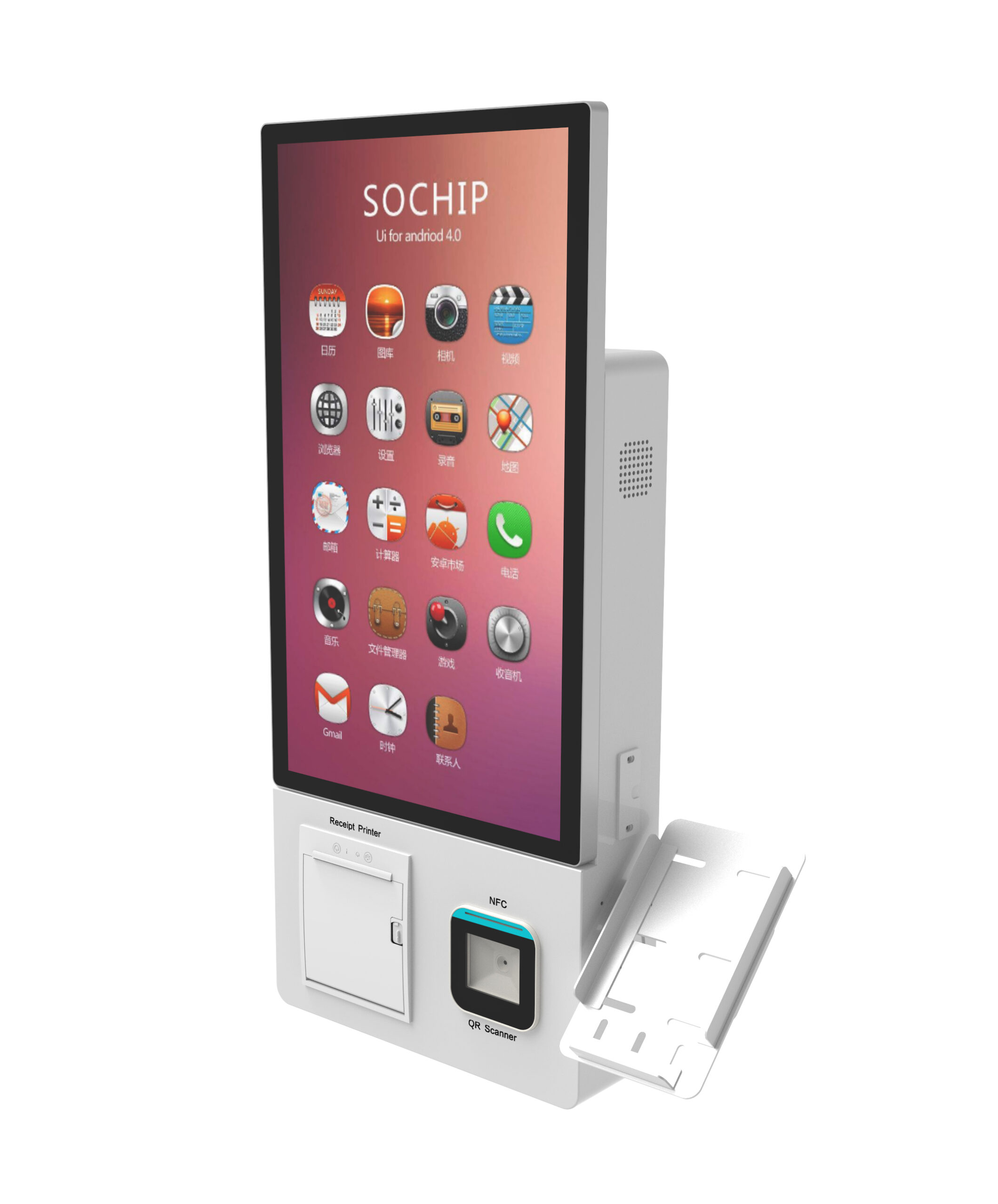
If your rollout includes wall-mounted or space-constrained units, the mount type itself changes cable routing and radio placement — compare, for example, a wall-mount self-service kiosk against free-standing units before the survey is signed off, because the enclosure you choose constrains where the antenna can go.
Procurement checklist: questions to send before you sign
Copy this into your RFQ. Send the same list to the kiosk vendor, the network integrator and the carrier.
- Hardware: does the kiosk ship with a router bay, antenna routing and cable management, or is the network layer entirely your responsibility? Is the enclosure rated and thermally sized for the added radio?
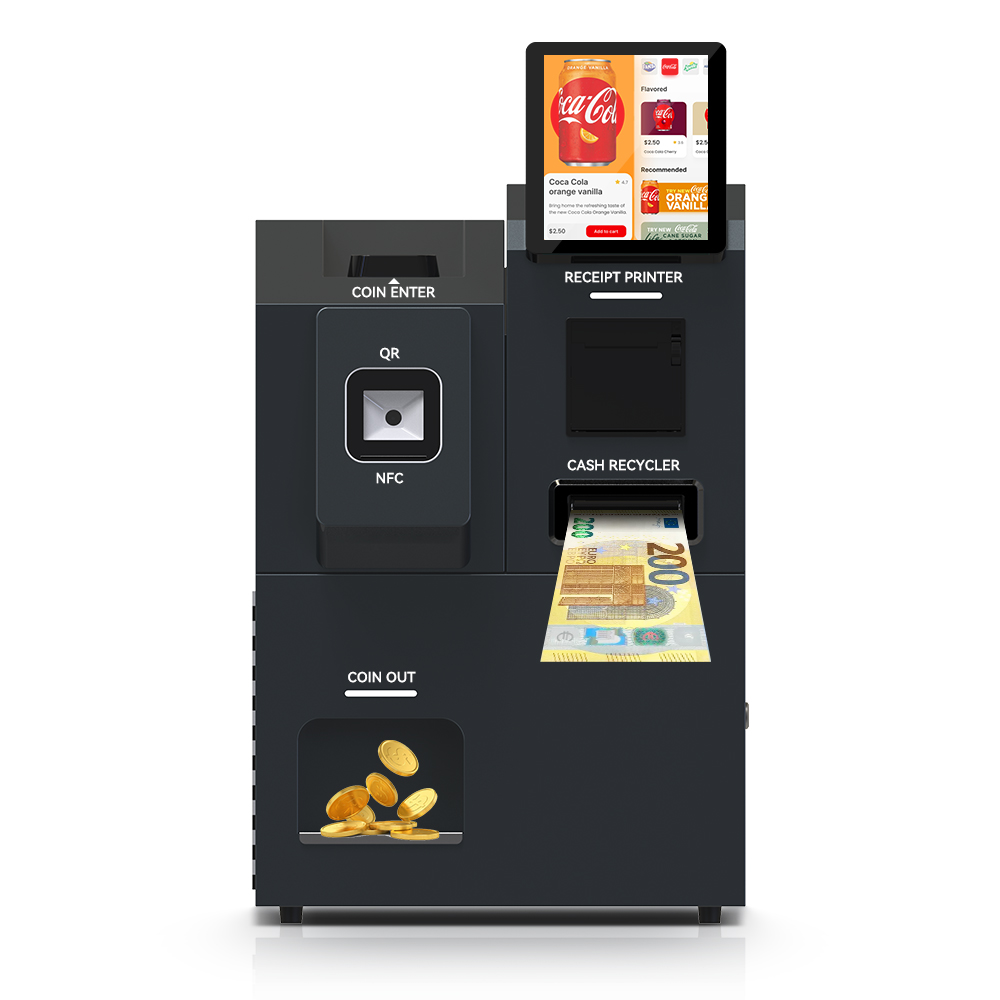
- Hardware: on cash-handling units such as a freestanding cash-handling self-service kiosk , does the network module share a power domain with the cash acceptor — and what happens to both on a power event?
- Failover behaviour: where does link detection and switching happen — kiosk OS, kiosk controller or router — and can it be exercised at factory and site acceptance testing?
- Failover behaviour: what happens to an in-flight payment authorisation during a handoff? Is the session preserved, retried, or voided, and how is that logged?
- Connectivity contract: who owns the SIM and the carrier relationship? What is the plan tier and the overage rate? Are a static IP or VPN required by your payment or management platform?
- Recovery: what remote reboot, watchdog and monitoring path exists if the link fails completely — and can the unit recover itself without a site visit?
- Compliance: which path does cardholder data traverse, and has that been reviewed with your acquirer or QS before deployment? Our PCI DSS scope checklist for branch self-service kiosks is a reasonable starting worksheet.
- Service: field-service terms, RMA duration for the cellular router specifically, and who owns escalation to the carrier when coverage — not the carrier network — turns out to be the problem.
Building the cost comparison without invented numbers
A valid multi-site model contains these line items, and nothing else substitutes for them:
- Site survey per location, including RF sweep where wireless is in play
- Cabling, conduit, penetrations and permits
- Router, antenna and enclosure thermal hardware
- SIM plan per unit per month, plus overage rate
- Managed monitoring or connectivity service fee
- Field-service assumption and truck-roll estimate per intervention
- The cost of a failed failover — the revenue and staffing impact of units that go dark during peak hours
When a vendor quotes you an uptime figure, ask four questions before it enters the model: what is the measurement method, what is the observation window, what exactly counts as downtime, and does the figure cover the carrier leg, the router leg, or both? A number that describes the carrier network does not describe your kiosk’s availability. Any vendor-published uptime percentage remains a vendor claim until your own failover test on the actual site reproduces it. If payback modelling matters for your segment, our comparison of self check-in kiosk ROI by segment shows how network assumptions feed into the payback calculation rather than sitting alongside it.
How connectivity is handled on a custom kiosk build
On the hardware side of the boundary, a kiosk OEM/ODM controls router bay placement, antenna routing through the enclosure, the service loop for the SIM and cabling, thermal budget, and the remote-management hooks an operator can reach without a site visit. Round or curved housings need those decisions made early — routing a modem and antenna inside a curved-design self-service kiosk is a different mechanical problem from a flat-sided cabinet.
What stays with you or your integrator: the carrier contract, the ISP circuit, landlord approval, and the compliance review of whichever leg carries cardholder data. Get that split in writing before the first unit is built — it is the single most common cause of a rollout stalling between hardware delivery and site activation.
Frequently asked questions
Is Wi-Fi reliable enough for a payment kiosk?
It can be, where you control the access points, the RF plan and the credential lifecycle, and where the wireless leg has been reviewed for cardholder data. It is a poor default where the kiosk sits on a shared or landlord-managed network that changes without your involvement. Test it at the real position during peak hours before committing a fleet.
Does cellular failover need a static IP or VPN?
It depends on how your payment platform and management system reach the device. A VPN or private APN is the common answer where inbound management is required, but confirm the requirement with your payment provider and connectivity vendor and test it on the SIM plan you actually buy — a trial SIM proves nothing about the production plan.
How much cellular data does a kiosk use per month?
That figure is workload-specific and cannot be responsibly published here. Ask your kiosk vendor for the data profile of the exact application build (transaction volume, telemetry, log upload size and frequency, remote software updates) and use their estimate as the input for your carrier plan, then monitor actual consumption for the first full billing cycle before fixing the tier fleet-wide.
What happens to a transaction in progress when the primary link drops?
That is decided by the failover design, not by the link. Ask whether the payment session is preserved across the handoff, retried, or voided; whether the switching decision lives in the kiosk application or the router; and how each outcome is logged. Then verify it in the acceptance drill by pulling the primary link mid-transaction.
Can one router serve several kiosks on the same site?
Often yes, and centralising the WAN layer reduces per-unit SIM count and management overhead. The trade-off is a shared failure domain: one router fault takes the whole bank offline. For high-value or high-traffic sites, compare a shared router against per-unit connectivity, and confirm the router’s port count, thermal envelope and UPS behaviour with your integrator.
Next step
Bring three inputs to the call: your site types and count, whether card payments are in scope, and whether the sites are leased-permanent or temporary. With those, the checklist above can be answered against your actual site list rather than in general terms — and the network path can be locked before the first enclosure is ordered.
Request a connectivity consultation and hardware datasheet — send us your site list and payment scope, and we will work through the router bay, antenna routing and enclosure questions against your units. Start from our cash-handling self-service kiosk platform or ask for the datasheet for the form factor you are shortlisting.