Quick answer: Short answer: as of March 21, 2026, a card-only self-service kiosk in a covered New York retail establishment or food store is no longer a defensible configuration. The operator has two routes: make the kiosk itself accept cash at the same price as card, or provide an on-premises device that converts cash into a prepaid card with no fee and no minimum, kept in working order. Everything else — note acceptor selection, recycler versus cash box, coin dispensing, denomination configuration and factory acceptance testing — follows from which route you pick and how you prove it.
Overview
Short answer: as of March 21, 2026, a card-only self-service kiosk in a covered New York retail establishment or food store is no longer a defensible configuration. The operator has two routes: make the kiosk itself accept cash at the same price as card, or provide an on-premises device that converts cash into a prepaid card with no fee and no minimum, kept in working order. Everything else — note acceptor selection, recycler versus cash box, coin dispensing, denomination configuration and factory acceptance testing — follows from which route you pick and how you prove it.
The compliance scope is set by New York Senate Bill S4153A (NY General Business Law § 396-ii), summarised in the New York Attorney General’s consumer alert and in Holland & Knight’s published client note. This page is a procurement and hardware validation checklist, not legal advice. Penalty amounts and enforcement practice were not confirmed in the evidence reviewed for this draft, so confirm the current civil penalty and any New York City-specific requirement with counsel before you sign a purchase order.
The nine checks, in the order a buyer should run them
- Choose the compliance route — direct cash acceptance or a qualifying prepaid-card conversion device — before choosing hardware.
- Map each statutory clause to a line in the kiosk bill of materials.
- Configure and document the denomination rule, then test cash-price parity.
- Decide retrofit versus respecify using physical constraints, not optimism.
- Build the FAT script around legal evidence rather than brochure specifications.
- Stress the service model, jam recovery and cash collection before committing.
- Price floor space, power and service effort, not just the module.
- Keep the exception defensible after go-live.
- Reconcile state, city and other-state requirements without assuming they match.
Competitor pages on this topic tend to be statute summaries or reverse-ATM vendor explainers. This one is deliberately different: it treats each clause as a bill-of-materials line and a pass/fail test you can run in front of the supplier.
Check 1 — Choose the compliance route before you choose hardware
The two routes produce different bills of materials, different service models and different failure modes. Decide first.
- Direct route. The kiosk accepts notes (and coins, if your price points need them), issues a receipt, releases the order and charges the same amount as a card payment. This route adds a validator, a cash storage module, possibly a dispenser, and an audit trail to the kiosk itself.
- Exception route. A separate on-premises device converts the customer’s cash into a prepaid card the customer then uses to pay. Per the Attorney General’s alert and the bill summary, the exception depends on the device being free to use and carrying no minimum. A card-only kiosk next to a device that charges a fee, enforces a minimum, or is out of service does not create a defensible exception.
Note the operational asymmetry: the direct route puts cash inside your ordering flow and your reconciliation; the exception route puts a second machine, a second uptime obligation and a second vendor on the floor. If your estate already runs currency exchange kiosks or reverse-ATM style units, the exception route may reuse an existing service contract — verify that before assuming it is cheaper.
Check 2 — Translate the statute into a kiosk bill of materials
Each clause should map to a named module and a named test. If the quote cannot be read that way, it is not a compliance quote.
| Clause or requirement | Hardware / configuration hook | What the buyer must see in writing |
|---|---|---|
| Must not refuse cash for in-person transactions | Note acceptor / validator integrated with the kiosk payment application | Supported denominations, acceptance rate test method, firmware version |
| Must not charge cash customers more | Price engine and tender logic; no cash surcharge screen | Parity test on identical basket, including promotions and service fees |
| Denominations above $20 need not be accepted | Validator denomination table and rejection messaging | Configured note table and the customer-facing message on rejection |
| Prepaid-card conversion exception | Separate device or a kiosk module with card-issuing function | Zero-fee, no-minimum configuration; uptime and fault-alert method |
| Change and float handling | Recycler versus cash box/stacker; coin or change dispenser | Which module recycles, cassette capacity, jam-recovery procedure |
| Evidence and reconciliation | Receipt printer, transaction log, cash audit record | Log fields retained, export format, retention period |
Two specification traps are common. First, suppliers describe a “cash module” without saying whether notes are recycled for change or simply stacked — the difference changes float management and service frequency, and it is worth reading a dedicated comparison such as cash dispenser versus recycler versus hopper payout specifications before the quote is finalised. Second, cash acceptance and card-payment security certification are separate scopes; an acceptor does not make a payment application PCI-scope compliant, and no supplier should imply otherwise.
Check 3 — Configure the $20 rule and prove cash-price parity
The $20 figure is widely misread. The statute does not require you to accept bills above $20; it relieves you of that obligation. It is a ceiling you may configure to, not a mandate to accept every $20 note in circulation, and it does not authorise a cash surcharge or a cash-only price.
- Set the validator denomination table explicitly — typically $1, $5, $10 and $20 accepted, higher denominations rejected.
- Write the rejection message so a customer understands why the note was returned, and check that staff can explain it without ad-libbing.
- Run a parity test on an identical basket paid once by cash and once by card, with the same promotion applied, and compare the two receipts line by line.
- Confirm no screen displays a cash surcharge, a minimum cash spend or a separate cash price.
- Record the result in a compliance file with firmware version, validator settings and both receipts.
Check 4 — Decide retrofit versus respecify on physical constraints
Retrofit is usually the cheaper headline and sometimes the more expensive project. Test four constraints before committing:
- Space and cutout. Measure the existing bezel opening, internal volume and service clearance for an acceptor, cash box, recycler and coin dispenser. A module that fits does not necessarily leave room to clear a jam.
- Power and thermal budget. Confirm the existing supply headroom and whether added heat changes the enclosure’s duty cycle.
- Software. Ask whether the payment application can add a cash tender without breaking the ordering flow, and who owns that integration work.
- Cash access and security. Decide who opens the cassette, where the key is held, how collection is scheduled and what happens outside staffed hours.
If two or more of these fail, respecify. Forcing a retrofit into a chassis that cannot take the module produces exactly the outcome the law punishes: a machine that is nominally cash-capable but frequently out of service.
Check 5 — Build the FAT script around legal evidence
A factory acceptance test for a cash retrofit should produce documents a compliance reviewer can read, not just a green tick. Ask the supplier to run, and record, the following:
- $20 end-to-end. Insert a $20 note; confirm acceptance, correct order release, correct receipt total, correct change behaviour and a matching audit-log entry.
- Above-$20 rejection. Present a $50 and a $100 note; confirm the configured rejection behaviour and the message shown, and that no partial credit or stuck note results.
- Cash versus card parity. Same basket, both tenders, receipts compared.
- Exception-device screens (if used). Confirm the fee screen reads zero, no minimum is enforced, and out-of-service status is visible to staff — not only inside a vendor dashboard.
- Jam recovery. Simulate a note jam; record time to clear, whether the kiosk can stay in service for card payments, and whether the interrupted transaction is logged.
- Evidence pack. Serial numbers, firmware versions, validator configuration export, pass/fail results and photographs.
Run the same script on a retrofit unit and on a new unit before comparing prices — otherwise you are comparing a tested machine with an untested one.
Check 6 — Stress the service model before you commit
Ask for line-item quote detail: acceptor module, recycler or cash box, coin dispenser, integration labour, FAT, freight, warranty and spare cassettes. Then ask the operational questions the quote usually omits: who provides first-line service, what response commitment applies, how jam recovery is performed without pulling the kiosk offline, and who is responsible for cash collection if the unit holds meaningful value. Require a remote alerting method for cash-module faults and for exception-device downtime, since an unreported fault is indistinguishable from a refusal to accept cash.
Check 7 — Price the footprint and the effort, not just the module
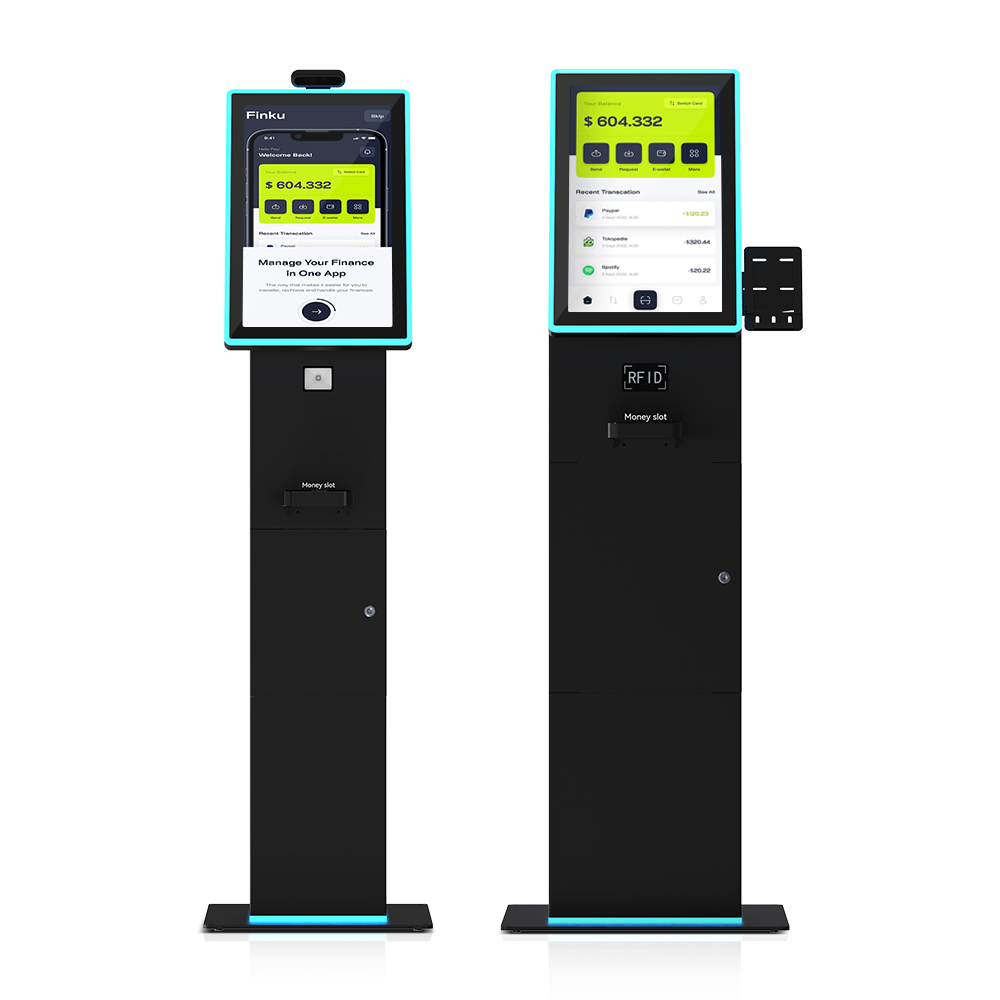
There is no reliable public benchmark for retrofit cost, so build your own comparison from inputs you control: the supplier quote, your site labour for installation and staff training, cash collection and-change logistics, consumables, and your own downtime assumption per site per year. Ask the supplier to disclose retrofit labour hours, integration testing scope and spare-parts pricing so those lines are not estimates. A freestanding unit such as the freestanding cash-handling self-service kiosk may be the cleaner answer where the existing chassis fails two or more constraints from Check 4.
Check 8 — Keep the exception defensible after go-live
Compliance is a runtime property, not a purchase-order property. Monitor uptime, fee screens and minimum settings on any conversion device; create a staff fallback procedure (for example, accepting cash at a staffed register) for the periods when a device is down; log incidents and corrective actions so good-faith remediation is evidenced; and review signage and on-screen messaging whenever guidance changes.
Check 9 — Reconcile state, city and other-state rules
New York City had its own cash acceptance requirement before the statewide law, so multi-location operators should verify both layers rather than assuming the state text covers the city. Where possible, keep one hardware specification across the estate and version-control the local variables — signage, exception wording and denomination policy — separately. Do not carry New York’s $20 ceiling or exception wording into another state without checking that jurisdiction independently; the broader picture is covered in the 2026 cash acceptance mandate compliance spec .
FAQ
Does every self-checkout kiosk in New York now have to accept cash?
Not every kiosk, but every covered retail establishment and food store must let customers pay cash in person, either directly or through a qualifying on-premises prepaid-card conversion device. Confirm whether your specific format falls inside the covered categories with counsel.
Can an on-premises cash-to-card kiosk satisfy the law?
It can support the exception, provided the device is free to use, has no minimum and is in working order. A fee-charging or out-of-service device weakens the position considerably.
Must a New York store accept $50 or $100 bills?
The law does not require acceptance of denominations above $20. Configure the validator deliberately, document the setting, and make sure the rejection message is clear to customers.
What should a store do if its cash-to-card kiosk is out of order?
Fall back to accepting cash directly at a staffed point of sale, log the incident and the corrective action, and treat repeated downtime as a hardware or service-model problem rather than a training problem.
What is the penalty for refusing cash in New York?
Penalty amounts and enforcement practice were not confirmed in the evidence reviewed for this page, so no figure is stated here. Confirm the current civil penalty and any city-level requirement with counsel before relying on a number quoted elsewhere.
Next step: get a quote and a FAT checklist you can actually run
Send us the kiosk model, the site count and which compliance route you are considering. We will return a line-item retrofit or respecify quote and a factory acceptance test checklist covering $20 acceptance, above-$20 rejection, cash-card parity, jam recovery and exception-device screens — so your validation visit produces evidence, not assurances.
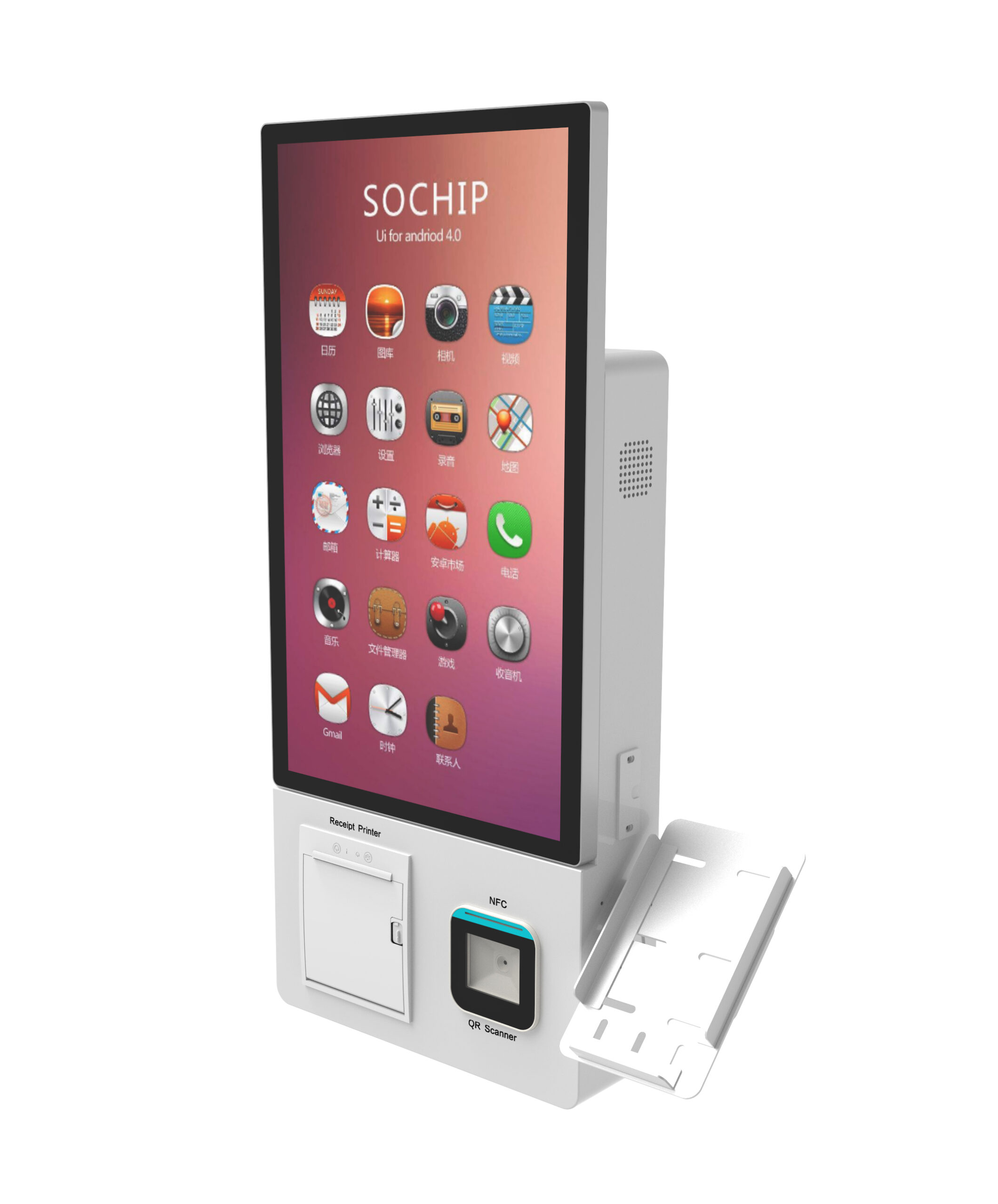
Request a quote or FAT checklist for a cash-accepting kiosk retrofit — or review the wider wall-mount and small-footprint tabletop options if floor space is the binding constraint.