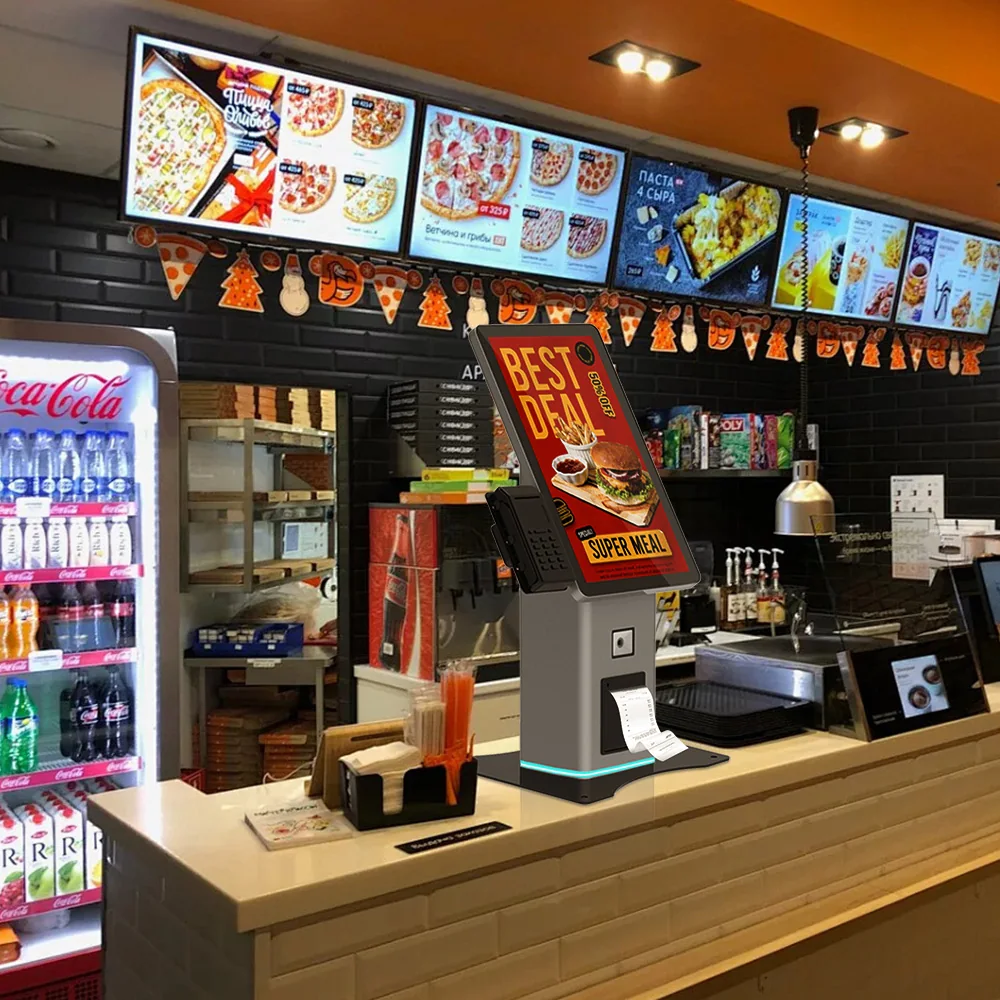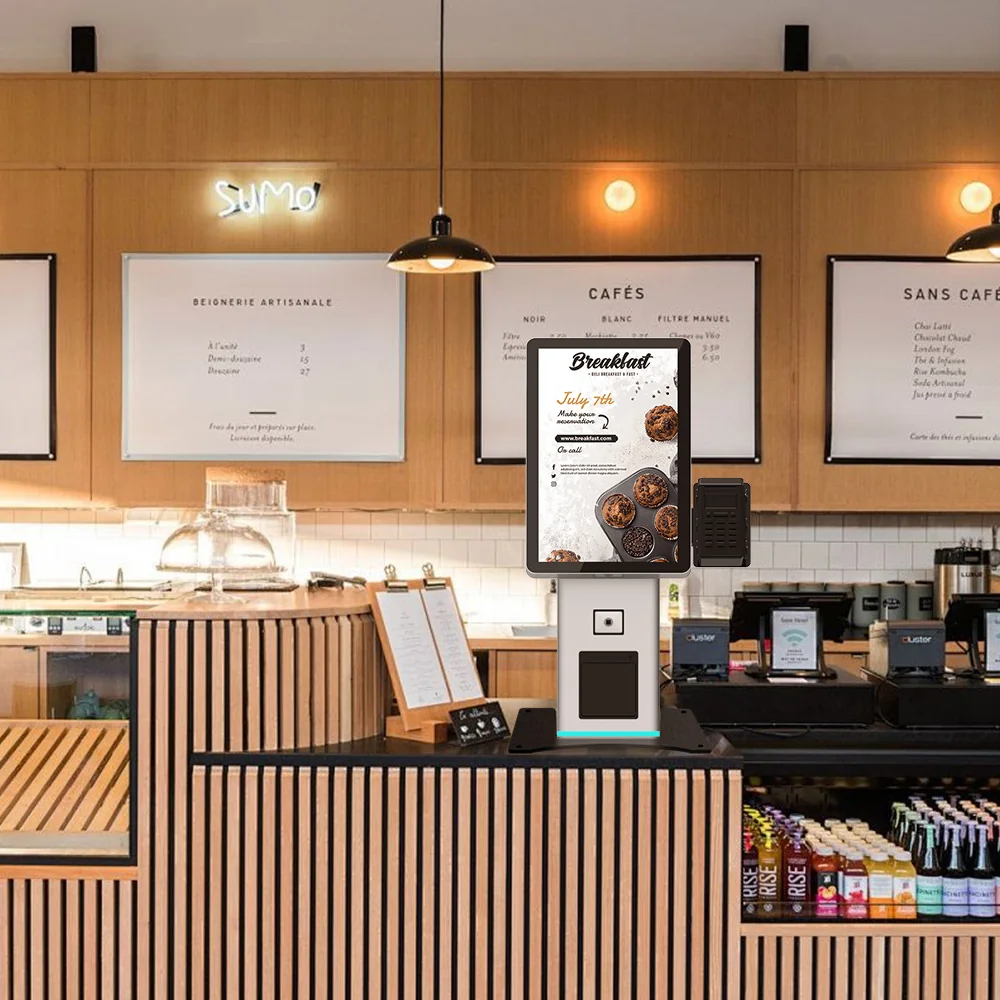
Quick answer: Restaurant operators are specifying self-order kiosks in 2026 because the demand is now proven, not experimental — around 66% of U.S. consumers prefer self-service ordering, rising to 84% among Gen Z, and deployments commonly lift average ticket by 12–30% while relieving peak-hour labor. For buyers, the sourcing decision is no longer “what screen size”. It is the payment stack, accessibility certification, enclosure food-safety, OS lifecycle, MOQ and lead time. This guide covers what to verify before you commit.
Overview
Quick answer: Restaurant operators are specifying self-order kiosks in 2026 because the demand is now proven, not experimental — around 66% of U.S. consumers prefer self-service ordering, rising to 84% among Gen Z, and deployments commonly lift average ticket by 12–30% while relieving peak-hour labor. For buyers, the sourcing decision is no longer “what screen size”. It is the payment stack, accessibility certification, enclosure food-safety, OS lifecycle, MOQ and lead time. This guide covers what to verify before you commit.
2026 demand: this is no longer a pilot project
Self-ordering kiosks crossed from novelty to baseline in the large QSR chains, and the sourcing conversation has moved downstream to mid-size chains, franchise groups and resellers. The directional data is consistent across trackers:
- Consumer preference: roughly 66% of U.S. consumers prefer self-service kiosks over staffed checkouts, and 84% of Gen Z prefer them (GRUBBRR, 2026).
- Installed base: the global base of self-ordering kiosks neared ~450,000 units by mid-2025, after 75,000+ units shipped in the year to June 2025 (Datos Insights, via Duck-Hub).
- Market growth: the broader self-service kiosk market is forecast to grow at roughly 11.8% CAGR through the early 2030s (Mordor Intelligence, 2025).
Treat these as directional market indicators, not guaranteed outcomes for your site. The figures come from third-party trackers and vary by source and restaurant format.
What the numbers say about ROI — and why it drives the spec
The ROI argument is what moves a sourcing project from “nice to have” to budget line. Reported ranges:
- Average ticket uplift: 12–20% typical, with some operators reporting up to 30% (Bite; Touch Dynamic / Market Research Future). The uplift comes largely from automated upsell prompts, not from the kiosk itself.
- Ordering time: 20–40% faster per transaction (kioskindustry.org).
- Payback: many operators report full ROI within 6–12 months (EZ-Chow, 2026).
Every one of those levers is downstream of a hardware decision. Upsell performance depends on screen size, responsiveness and layout. Throughput depends on the payment stack — a slow or ambiguous payment flow erases the time saving you bought. Payback depends on unit cost, serviceability and how long the enclosure survives a commercial kitchen environment. That is why the spec sheet matters more than the headline ROI number.
The sourcing spec sheet: what to compare before you commit
| Layer | What to specify | Why it changes the decision |
|---|---|---|
| Payment stack | Card: EMVCo Level 1 & 2, PCI PTS-approved terminal. Cash: validator/dispenser class, EBDS or ccTalk interface. Contactless/tap-to-pay. | Determines PCI DSS scope and whether your software vendor can certify the solution at all. A camera-based kiosk does not equal biometric payments — biometrics need a dedicated sensor. |
| Accessibility | Physical: reach range, tactile controls, headphone jack. Software: screen-reader mode. Certify to EN 301 549 / European Accessibility Act and ADA. | Legally mandatory for EU and US public-facing deployments. Retrofitting accessibility after build is expensive and sometimes impossible. |
| Enclosure & food safety | IP rating for splash/wipe-down zones, anti-microbial or sealed surfaces, thermal range, cable management, cleanable seams. | Kitchen-adjacent kiosks fail early on ingress and heat. The enclosure — not the screen — usually sets the service life. |
| Compute & OS | Processor/RAM/storage class, Android vs Windows, OS security-patch horizon, kiosk mode (device-owner / lockdown). | A short OS patch horizon turns a 5-year asset into a 3-year one. Confirm the OEM’s Android certification path if you go Android. |
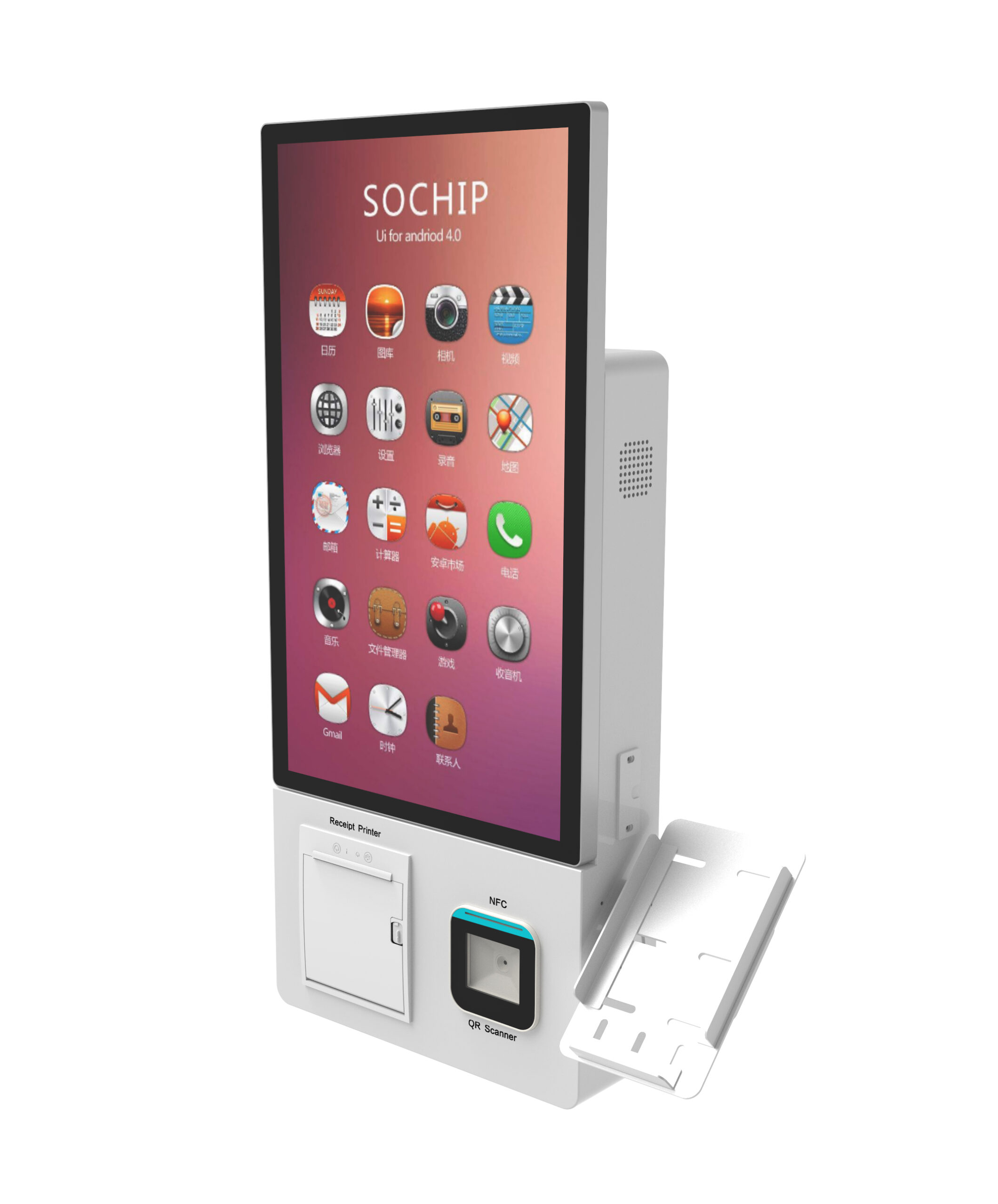
| Peripherals | Receipt printer, scanner, camera, speakers, ADA headset, ambient sensor. | Peripheral compatibility decides whether your POS/menu software integrates without custom work. |
| Commercial terms | MOQ, sample lead time, mass-production lead time, warranty, spare-parts availability, branding/customization model. | For SEA and smaller chains, these terms — not the unit spec — are usually the deciding factor. |
Three buyer scenarios, three different priorities
1. U.S./EU QSR or franchise group — lead with compliance
Your risk is not the screen; it is a failed audit or an accessibility complaint. Specify PCI DSS/P2PE scope upfront (see PCI DSS / P2PE for payment kiosks ) and European Accessibility Act / ADA conformance (see EAA & ADA for self-service kiosks ). Compliance is a build-time decision.
2. Small chain / cloud kitchen / Southeast Asia — lead with cost, MOQ and lead time
Capital is tight and deployments are small. The priorities are a low MOQ, a fast sample, and a unit whose peripherals you can service locally. Ask for the production lead time in writing and confirm spare-part availability before you scale.
3. Reseller or brand — lead with the customization model
You are buying a platform, not a box. Decide between OEM (your specs on an existing platform), ODM (a configurable design with your branding) and white-label — the cost and lead-time trade-offs differ materially (see OEM vs ODM vs white-label kiosks ).
Risk & de-risk checklist
- Verify the payment chain, not the label. Ask for the PCI PTS approval reference of the terminal, the EMVCo L1/L2 status, and the exact PCI DSS 4.0 boundary — who stores what.
- Do not assume a camera equals biometrics. Palm/biometric payment requires a dedicated sensor module, separate privacy handling (special-category data, lawful basis, retention, deletion) and its own certification.
- Confirm cash is still in scope. Many markets still mandate cash acceptance, and cash-recycling vs deposit-only modules behave very differently at the counter (see cash recycling vs cash deposit machines ).
- Run the factory verification. CE (EMC/LVD), FCC Part 15, RoHS and ISO 9001:2015 evidence, plus a physical sample — use a structured checklist rather than marketing PDFs (see 2026 OEM/ODM kiosk procurement checklist ).
- Pressure-test the enclosure. Confirm the IP rating and thermal spec in writing, and ask what fails first in a greasy, humid kitchen environment.
Where Usingwin fits
Usingwin is an OEM/ODM self-service kiosk manufacturer. For food & beverage and retail projects we build configurable platforms — wall-mount ( US-K215WM ), freestanding ( US-K236FS-2 ), tabletop ( US-K156 ) and compact cash-handling ( US-K101CB-1 ) — with the payment, accessibility and enclosure options confirmed per project configuration. MOQ starts at 1 unit for evaluation and lead time runs roughly 15–25 business days depending on configuration.
Next step
Send us your deployment scenario (market, order volume, payment mix, POS/menu software) and we will return a configuration recommendation, a usable spec sheet and a sample lead time — so you can compare on substance rather than a headline ROI figure.
Request a quote, sample or datasheet →
Sources: GRUBBRR (2026) for consumer-preference statistics; Datos Insights via Duck-Hub for installed-base and shipment figures; Mordor Intelligence (2025) for market CAGR; Bite, Touch Dynamic / Market Research Future and kioskindustry.org for ticket-uplift and ordering-time ranges; EZ-Chow (2026) for payback ranges. Figures are third-party market estimates and vary by source, format and geography.