Quick answer: Published vendor guidance puts the sunlight-readable floor at roughly 800–1,000 nits, prefers 1,500–2,500 nits for unshaded direct sun, and reserves 2,500–4,000 nits for the harshest exposure. Those figures are quoted under stated test conditions, so treat the number as a shortlist filter, never a pass mark.
The short answer: pick nits from solar geometry, not a headline number
Published vendor guidance puts the sunlight-readable floor at roughly 800–1,000 nits, prefers 1,500–2,500 nits for unshaded direct sun, and reserves 2,500–4,000 nits for the harshest exposure. Those figures are quoted under stated test conditions, so treat the number as a shortlist filter, never a pass mark.
The reason is simple: brightness is only one variable in whether a screen stays legible. Glass treatment, the presence of an air gap, viewing angle, ambient light at the exact install orientation, and how much heat the backlight can shed inside a sealed enclosure all move legibility at least as much as the nit figure on the datasheet. A 1,500-nit panel behind bonded, low-reflectance glass can outperform a 2,500-nit bare panel in the same location — which is why the checklist below ends in a sample test rather than a number.
Work through the six checkpoints in order. Each one produces a sentence you can paste into your supplier brief, and the output of the whole sequence is the specification you should be quoting against.
Checklist 1 — Map exposure before you map nits
Before any brightness discussion, write down the physical reality of the install site. Five inputs are enough: compass orientation, whether a shade structure exists, latitude, the peak-irradiance hours of the day, and whether the unit faces the sun during those hours.
| Exposure scenario | Published vendor guidance | What to ask for |
|---|---|---|
| Shaded or semi-outdoor, no direct sun on glass | From 800 nits for shaded outdoor conditions ( US Micro Products ); around 800–1,000 nits or more ( OnLogic ) | Confirm the figure is panel luminance, not an after-glass value |
| Semi-outdoor, intermittent direct sun | 1000–1500 nits may work in shaded or semi-outdoor spaces ( Litemax ) | Ask for the reflectance of the cover glass, not just the nit number |
| Unshaded, south- or west-facing | 1,000 nits minimum, with 1,500–2,500 nits preferred for panels facing south or west in high-insolation states ( HITU LCD ) | Specify the worst hour, not the average day |
| Direct sun, most demanding exposure | 2500–4000 nits is usually a safer choice for direct sunlight ( Litemax ) | Pair with the thermal and power questions in Checklist 3 before committing |
| Unsheltered, fuel-island type exposure | Viewing 1500 nits as covering 95% of extreme global sunlight periods ( DisplayModule ) | Ask what the remaining exposure percentage is, and what it looks like |
Note where vendors disagree. One supplier frames the minimum as a hard 1,000 nits ( Touchwo ), another starts at 800 for shaded outdoor, and a third treats 1,500 nits as the threshold for unsheltered installations with extreme exposure only. The disagreement is not sloppiness; it reflects different assumptions about glass stack, angle and test conditions. That is exactly why your orientation record matters more than which blog you read last.
The single decision that swings cost the most is this: must the screen stay readable during the worst two hours of the year, or only during a typical day? An unshaded west-facing wall that catches late-afternoon sun is a different requirement from the same kiosk under a canopy. In project scoping, the shapes that most often force a spec upward are the unshaded, south- or west-facing enclosure in a high-insolation market, while the shaded transit canopy usually stays in the moderate band. Deciding this early can move your shortlist between a roughly 1,000-nit class panel and a roughly 2,500-nit class panel.
Orientation is partly a mounting decision too — a unit fixed to a west-facing wall runs hotter and catches more late sun than the same hardware standing in a shaded recess, so the enclosure choice and the display choice should be quoted together. If you are comparing wall-mount against freestanding formats, look at the two as one specification problem rather than two purchases.
Output of this step: one sentence per install orientation that your supplier must spec against, e.g. “west-facing, no shade, peak exposure between 15:00 and 18:00.”
Checklist 2 — Decide the optical stack, not just the panel
Brightness without a glass strategy is money partly wasted. Three components interact:
- Brightness vs contrast. Nits raise how much light the panel emits; contrast determines whether dark content stays dark. One supplier pairs its brightness recommendation with a stated contrast target of around 800:1, and notes that high nits with poor contrast still reads as washed out ( DisplayModule ). Put the contrast figure next to the nit figure in your brief.
- Anti-glare (AG) vs anti-reflective (AR). An anti-glare surface scatters reflected light so you see a diffuse haze instead of a sharp image of the sun or a person; an anti-reflective treatment reduces the amount of light reflected in the first place. They solve related but different problems, and some builds use both.
- Optical bonding. Bonding fills the air gap between cover glass and panel. The air gap creates an extra reflective surface, and it also traps a layer that fogs and refracts. Removing it is usually the cheapest legibility gain available after glass coating.
The reflectance claim worth testing in writing: one supplier reports reducing glass reflectance from around 4% to around 0.5% through a vacuum magnetron sputtering process, and describes that reduction as roughly equivalent to doubling brightness ( DisplayModule ). If that framing holds for your install, a bonded AG/AR stack can let you buy a lower-nit panel and still meet the legibility target. Ask your candidate suppliers for their equivalent reflectance figure and how it was measured.
Bonding has a cost that rarely appears in the pitch: rework difficulty. A bonded assembly that fails in the field is typically replaced as a unit rather than repaired in place. Ask how the supplier handles bonded-module failure and whether they can supply bonded spares so a single failure does not idle the kiosk for a full production lead time.
Checklist 3 — Pressure-test 2,500 vs 3,000 nits on power, heat and life
The 2,500-nit versus 3,000-nit comparison is not a brightness contest; it is a system trade. Pushing more drive current through the backlight raises luminance, panel temperature and the heat load inside the enclosure at the same time. In a sealed outdoor housing, that heat has nowhere convenient to go.
Ask for four things in writing:
- Derating behaviour. What happens to brightness and to rated lifetime when the ambient temperature inside the enclosure exceeds the panel’s rated operating window? A derating curve, not an assurance.
- Power delta at your duty cycle. Not the datasheet maximum — the consumption at the brightness level you will actually run, including any heating or cooling the enclosure needs to maintain it. If the kiosk is solar-, battery- or PoE-limited, this number can kill the 3,000-nit option on its own.
- Backlight life and its measurement conditions. A lifetime figure without a stated drive current, ambient temperature and end-of-life criterion is not comparable between suppliers.
- Ambient-light dimming. If the panel can automatically reduce brightness during low-traffic hours, the extra nits cost you less in average power and in accumulated backlight hours. Confirm whether it is standard, optional, or not available on the specific module.
If a supplier cannot produce these three numbers — derating, duty-cycle power, life conditions — that is itself a shortlist signal. It usually means the module is a catalogue panel being resold rather than a configuration someone has engineered for an enclosure.
Checklist 4 — Confirm the touch layer survives the bright version
High-brightness modules are often available in fewer touch configurations than standard indoor panels. Before you lock the display, confirm that your chosen touch technology, size and interface are actually available on the high-brightness version, not only on the 250–400-nit indoor module your supplier quoted first.
Then test the input modes the deployment will really face. Outdoor and semi-outdoor users arrive with gloves, wet fingers, sunscreen and cold hands. One supplier states that touch solutions can maintain functionality through gloves and wet conditions ( US Micro Products ) — verify that claim on your sample, with your content, rather than accepting it as a category property.
The sealing and wide-temperature part of the touch decision is covered in our comparison of capacitive vs infrared touch for outdoor kiosks ; use that page for the touch-technology argument and keep this one focused on the optical and brightness stack.
Checklist 5 — Define how you will verify legibility before you commit
A datasheet comparison cannot settle glare, black level or how the screen reads at the angle your users actually stand at. Write a one-page sample test protocol instead:
- Same content screen, same time of day, same viewing position, same camera settings for every candidate — this turns “looks fine” into a repeatable check.
- Photograph the screen at the worst viewing angle a real user will occupy, plus one straight-on reference image.
- Include one image of dark content (text on black) and one of light content, because they fail differently under reflection.
- Request a loan or field-trial unit at the candidate nit level before freezing the BOM.
State plainly what the protocol cannot prove: long-term backlight degradation, seal integrity after years outdoors, and serviceability. Keep those as separate questions in the warranty and spares conversation rather than pretending the sample test covers them.
Checklist 6 — Lock commercial terms for the high-brightness spec
- Warranty scope. Confirm the warranty covers the high-brightness backlight module explicitly, not only the enclosure or the electronics. A brightness specification that is excluded from the warranty is not a specification you own.
- Field service model. Ask how a display or bonded-glass failure is handled on site, and what the spare-part lead time is. Bonded modules change this answer.
- Single-quote integration. Enclosure, display, touch and thermal design should appear in the same quote. If display and thermal are quoted by two vendors, a legibility or heat problem becomes a blame problem.
- MOQ, sample lead time and tooling. Get these for your actual size and nit class before they become assumptions in the project plan; non-standard sizes carry different tooling implications than catalogue modules.
What buyers most often get wrong on this spec
- Optimising the nit figure while leaving contrast, glass treatment and bonding unspecified — then discovering the reflective glass undoes the extra brightness.
- Buying brightness without budgeting the heat and power it creates inside a sealed outdoor enclosure.
- Treating a quoted nit value as a guarantee of on-site legibility, without an orientation-matched sample test.
- Deferring the warranty and spares conversation until after the high-brightness BOM is locked, when there is no negotiating room left.
Build the bright-version kiosk with us
Tell us your install orientation and latitude, whether the unit sits in shade or full exposure, what touch input users will bring (gloves, wet fingers, stylus), and any power or thermal constraint on the enclosure. From those four inputs we will recommend a high-brightness display specification and arrange a sample demo or field-trial unit so you can run the legibility protocol before you freeze the BOM.
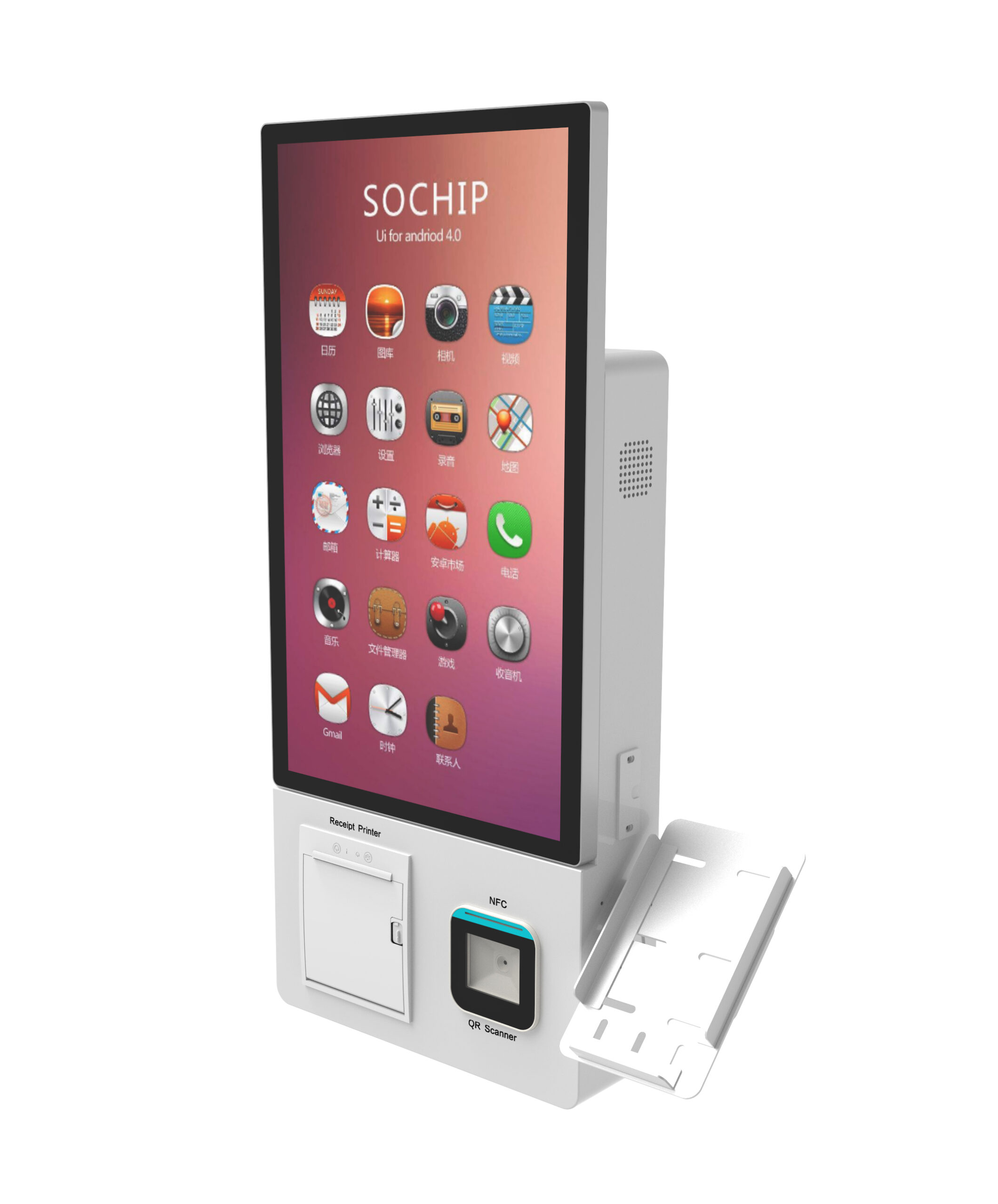
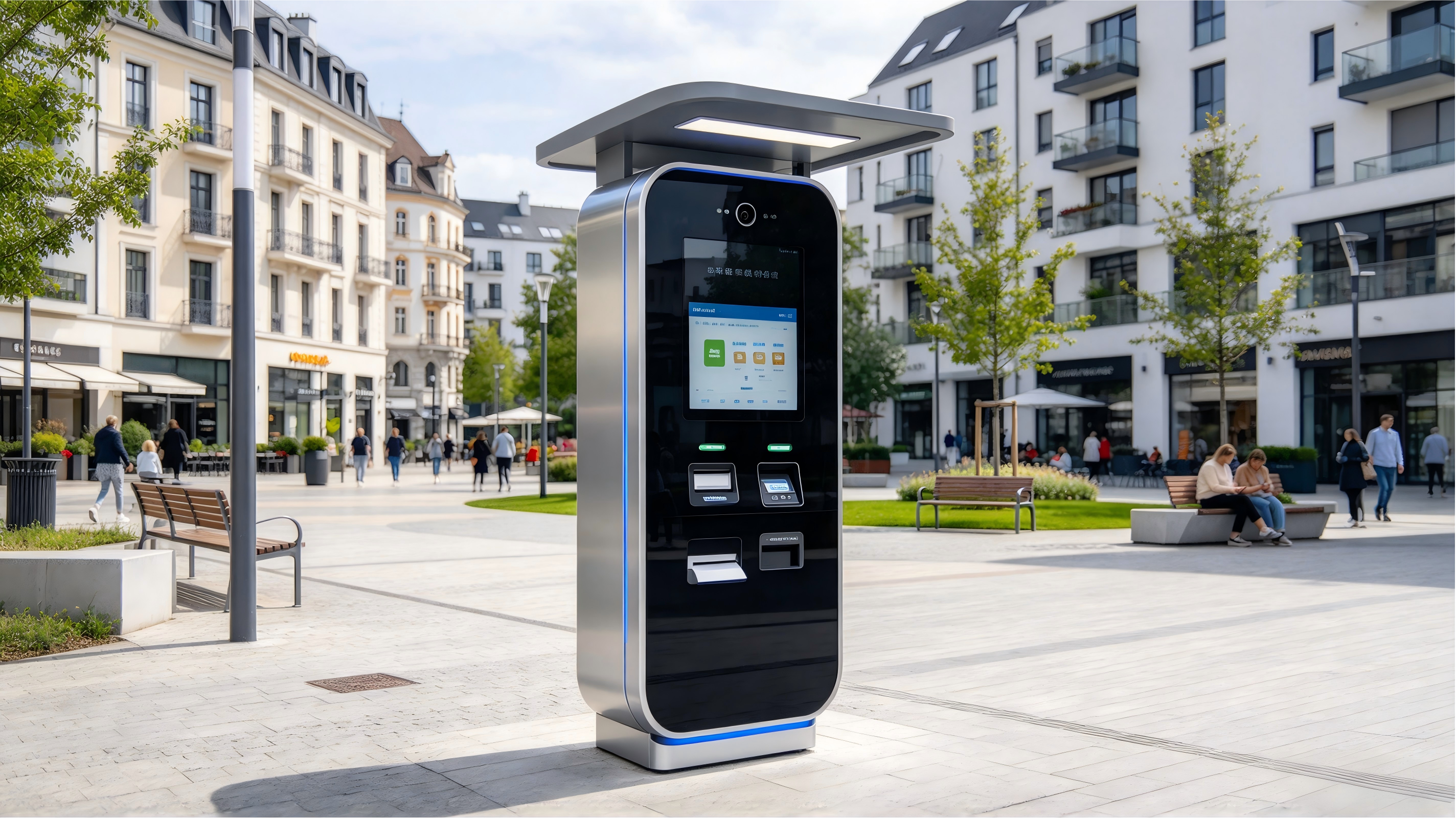
We quote display, touch, enclosure and thermal design as one scope. If you are shortlisting hardware while you settle the optical stack, start from the freestanding self-service kiosk hardware or a wall-mount self-service kiosk configuration and ask for the display spec in the same document — or send us your orientation and latitude and we will build the specification around your site.
Frequently asked questions
How many nits does an outdoor kiosk display need to be sunlight readable?
There is no single number. Published vendor guidance ranges from roughly 800–1,000 nits for shaded outdoor conditions up to 2,500–4,000 nits for direct sunlight, with the higher end reserved for unshaded, sun-facing installs in high-insolation locations. Your orientation, shade structure and glass stack determine where in that range you actually land.
Is 1,000 nits enough for a kiosk in direct sunlight?
Multiple suppliers treat 1,000 nits as the minimum to qualify as sunlight readable, but the same sources place 1,500–2,500 nits (or higher) as the safer band for panels facing the sun. A 1,000-nit panel can be adequate behind bonded, low-reflectance glass in a partially shaded position; it is a risky choice for an unshaded west-facing wall.
Do I need anti-glare glass or optical bonding in addition to high brightness?
Usually yes. Brightness raises emitted light; the coating and bonding reduce reflected light and remove the air gap that creates an extra reflective surface. Purchasing higher nits while leaving the glass stack unspecified is the most common way budget is spent without a legibility gain.
What is the real difference between a 2,500-nit and a 3,000-nit outdoor kiosk screen?
On a datasheet, luminance. In the enclosure, the difference shows up as drive current, panel temperature and total heat load. Ask for the duty-cycle power delta and the derating curve for both candidates before deciding whether the extra brightness is worth the thermal budget it consumes.
Does higher display brightness increase power consumption and heat inside the kiosk?
Yes. Higher luminance requires higher backlight drive current, which converts to heat inside the enclosure. That heat has to be removed or tolerated, and it affects both the operating temperature window and long-term backlight life. Budget it in the same design pass as the display choice.
Can a high-brightness panel still support capacitive touch with gloves or wet fingers?
Touch availability varies by module rather than by brightness class, so confirm it for the exact high-brightness panel you select. Then verify glove, wet-finger and stylus input on a physical sample, since these conditions are what an outdoor deployment actually presents.