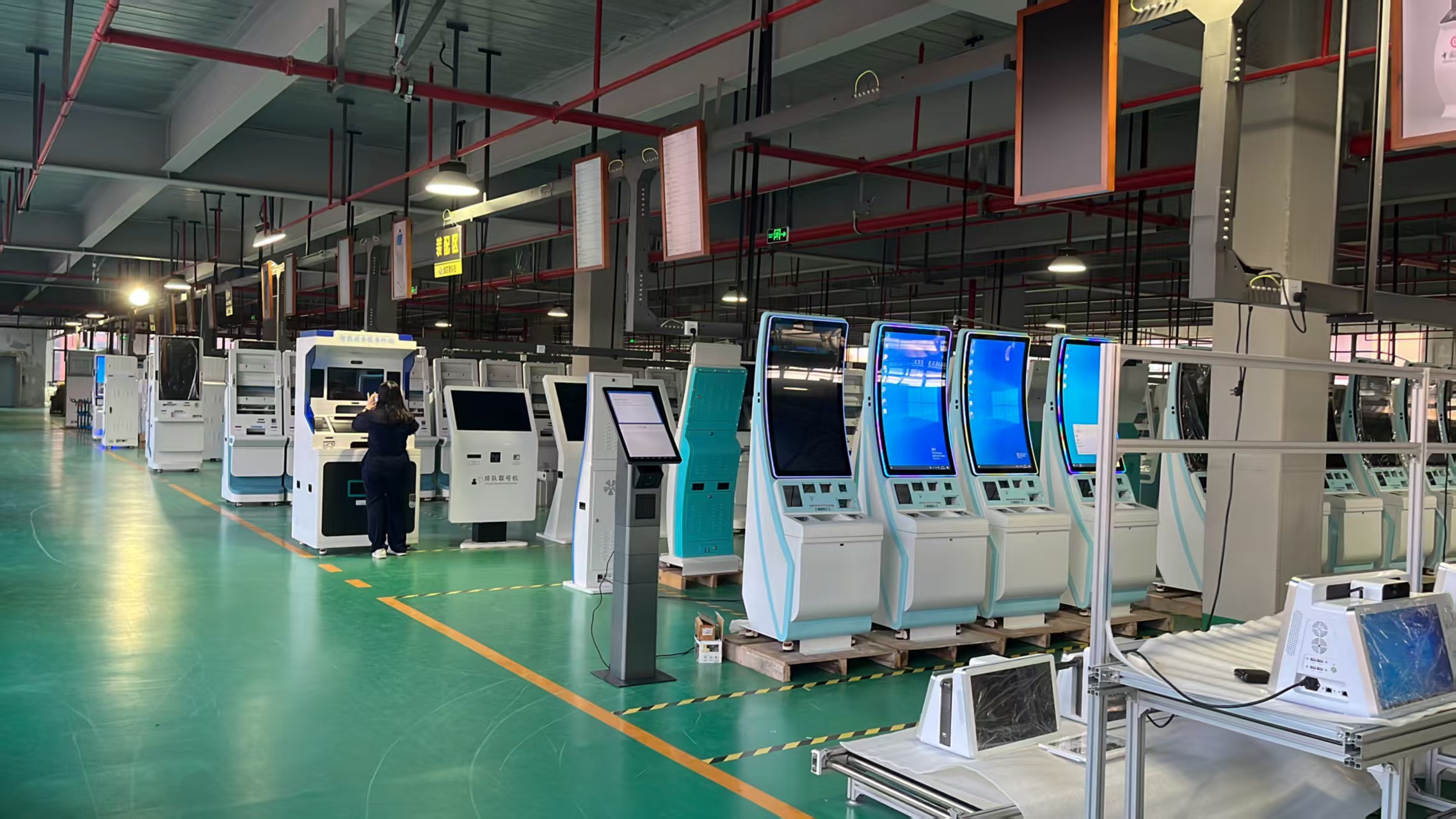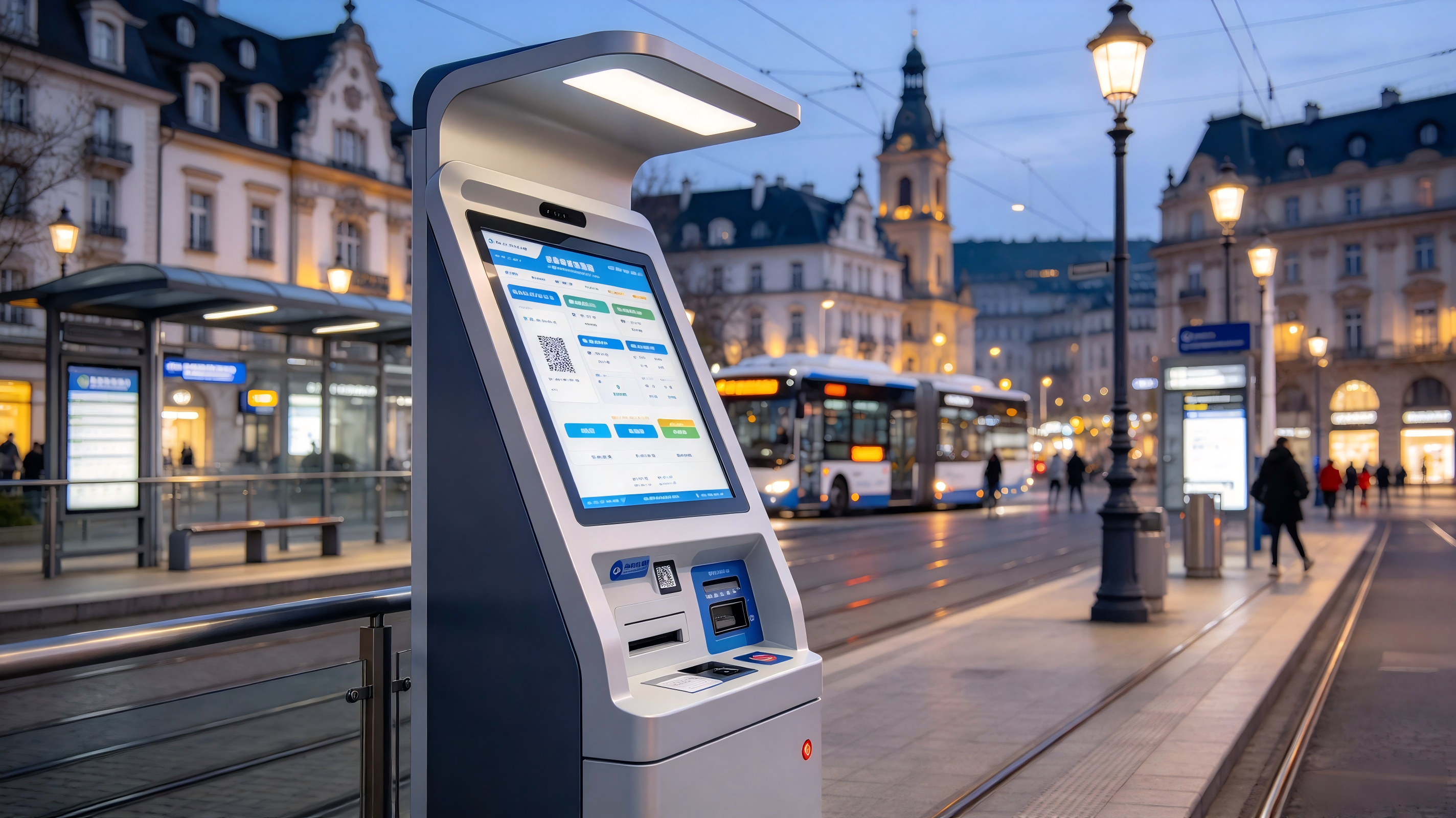
Quick answer: Most properties that write to us about a hotel check-in kiosk already know why they want one. What they cannot answer is the number: how many terminals the 15:00–19:00 arrival peak actually needs, where those terminals must stand to be used at all, and which arrivals still have to end at a person. That is the whole scope of this page. It is not a definition of self check-in, and it does not re-model payback — we cover labour payback by segment in the existing ROI comparison and the interface scope in the PMS integration and key-card guide . Here we only size the fleet and place it.
Overview
Most properties that write to us about a hotel check-in kiosk already know why they want one. What they cannot answer is the number: how many terminals the 15:00–19:00 arrival peak actually needs, where those terminals must stand to be used at all, and which arrivals still have to end at a person. That is the whole scope of this page. It is not a definition of self check-in, and it does not re-model payback — we cover labour payback by segment in the existing ROI comparison and the interface scope in the PMS integration and key-card guide . Here we only size the fleet and place it.
Short answer: how many check-in kiosks does a hotel lobby need?
Most 100–400 key properties need two to four terminals — sized to the busiest 60 minutes of arrivals (usually 15:00–19:00), not to daily check-in volume. Divide peak-hour check-ins by realistic per-terminal throughput, round up, then add one desk-adjacent terminal for exceptions. No supplier, including us, can give a final number without your own hourly arrival counts and a service time measured on your own desk.
That answer is the difference between this page and the vendor benefit pages that dominate this query. They describe the promise — a faster check-in, less desk workload — and stop there. A promise does not tell you whether to buy two terminals or five, or whether the terminal you bought will sit unused in an alcove because guests cannot see staff from it.
Step 1 — Map the arrival curve, not the daily total
- Pull hourly check-in counts from the PMS for the last 8–12 weeks of the current season. Occupancy percentage and daily arrivals are the wrong inputs; you need the hour each reservation was actually checked in.
- Split weekdays from weekends and flag event, conference and holiday dates separately. A property can have a flat weekday curve and a brutal Saturday curve, and the fleet is sized for the worst one you intend to serve.
- Identify the two or three 60-minute blocks where arrivals concentrate. In most full-service lobbies that is a late-afternoon window; the exact block is what sizes the hardware.
- Read the shape of the peak. A sharp 90-minute spike needs a different answer — and possibly a queueing layer — than a flat four-hour spread of the same total volume.
- Note the late-night tail (roughly 23:00–02:00). It rarely justifies extra terminals, but it is the strongest operational argument for a terminal that runs unattended.
Step 2 — Measure service time on your desk, not from a brochure
Vendor-published figures exist and are widely repeated. Kiotel’s buyer’s guide states that traditional desk check-in runs 10–15 minutes at busy periods and that kiosk check-in lands under three minutes, and cites a survey finding that 70% of American travellers would skip the desk if a self-service option were available ( kiotel.co ). Kiosk.com’s hospitality page describes the same integration and efficiency benefits without publishing a duration ( kiosk.com ). Treat all of it as vendor-published and unverified . None of those numbers is your property’s number, and a sizing decision built on someone else’s marketing claim is a guess with a spreadsheet around it.
Measure instead:
- End-to-end self-service time: reservation lookup, ID capture, payment authorisation, key-card or digital key issue, folio print. Time the full sequence, not the on-screen steps.
- The slowest step, not the average. If ID capture occasionally takes far longer than the rest of the flow, that step sets your realistic ceiling and generates your queue.
- Failure handling time: failed ID read, declined card, room not ready, reservation not found. Log these separately. They are the true queue-builders because they consume a terminal and a staff member.
- Assisted transactions: a guest who needs help occupies the terminal plus an employee. That is worse than the desk, so count assisted arrivals as desk traffic in your model, not as kiosk traffic.
The method we recommend to operators is deliberately low-tech: stand at the entrance at 15:00, count arrivals for one hour, time five consecutive guests at the desk, then log every transaction during that hour that ended with a guest being handed to a person. That single hour usually tells you more than a month of monthly reports.
Step 3 — Turn peak arrivals into a terminal count
Capacity arithmetic is simple division with two deductions that buyers forget. A three-minute transaction is roughly 20 per hour only at perfect utilisation; real lobbies do not run at perfect utilisation, and a share of arrivals will always need a human.
Worked example — an arithmetic illustration with named assumptions, not a performance guarantee . Replace every assumption with your own measured value:
| Input | Example assumption |
|---|---|
| Busiest 60 minutes of arrivals | 45 check-ins |
| Measured self-service transaction time | 3 minutes |
| Realistic utilisation (interruptions, cleaning, guest hesitation) | 70% |
| Effective throughput per terminal | 20 × 0.70 = 14 per hour |
| Share of arrivals that will use a kiosk voluntarily | 50% |
| Terminals required for the peak hour | 22.5 ÷ 14 = 1.6 → 2 |
| Headroom (against the second-worst hour and one unit down for service) | +1 |
Adoption, not hardware speed, is the variable operators most often get wrong. Re-run the same property at different voluntary adoption rates:
| Voluntary kiosk adoption at peak | Check-ins routed to kiosks | Terminals at 14/hour |
|---|---|---|
| 10% | 4.5 | 1 |
| 30% | 13.5 | 1 |
| 50% | 22.5 | 2 |
| 70% | 31.5 | 3 |
- Size for the second-worst hour, not the absolute maximum, and keep one unit of headroom so a terminal out for maintenance does not recreate the queue.
- Know your saturation point. Once the remaining queue is exception-driven — groups, walk-ins, payment problems — additional terminals stop helping. That point, not the room count, is your ceiling.
- Add one terminal at or beside the desk so staff can complete an exception on a terminal instead of competing for the desk terminal.
Step 4 — Decide where each terminal stands
Placement decides utilisation more than any spec sheet. Two rules cover most lobbies:
- In the desk’s sightline, but not blocking the desk approach. Guests must be able to see a staff member; staff must be able to see the screen. Unobserved terminals get abandoned the moment a step fails.
- On the natural entry-to-lift path. Terminals in alcoves, behind columns or past the lounge are the ones that show low usage in month one and get written off as “guests don’t want it.”
Then compare the physical options against your actual lobby flow:
- Freestanding near the entrance — highest visibility, needs floor space and a fixing/anti-tip decision.
- Counter-height beside the desk — best for exceptions and assisted use, least privacy for the payment step.
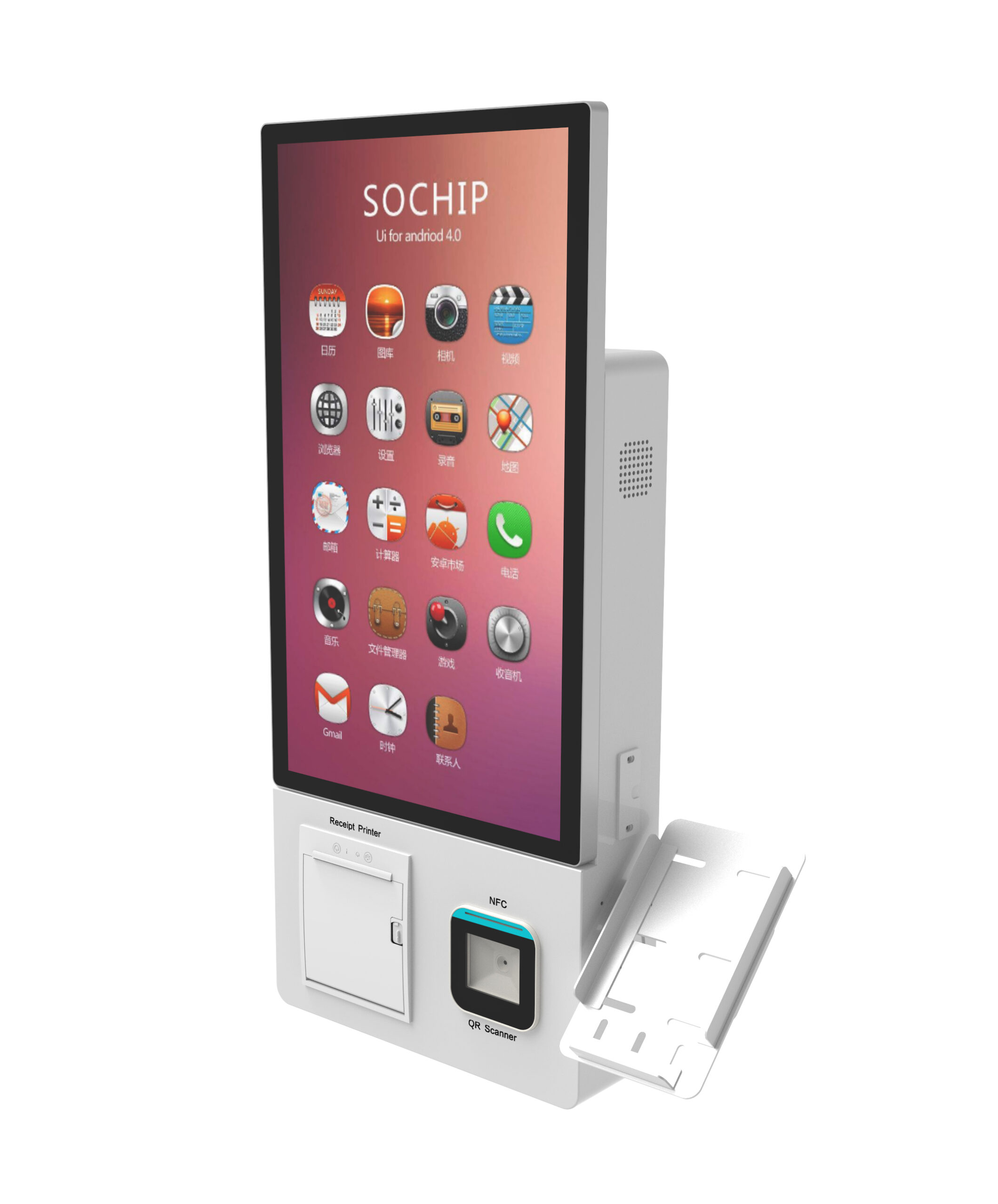
- Wall or column-mounted — preserves floor space in tight or heritage-constrained lobbies, but cable routing and screen height are fixed early and hard to change later. Our own 3-way mounting enclosure exists precisely because lobbies rarely offer a clean single option.
- A bank of two — reads as an airline-style self-service zone, which signals intent to guests, but concentrates the queue in one spot.
Before ordering, confirm reach height and clear floor space against the accessibility rules that apply in your market (ADA in the US, national equivalents in the EU and Gulf states), hard-wired versus wireless network reliability at the exact position, power availability, and whether the lobby is listed or otherwise restricted. Moving a fixed terminal after opening is a construction job, not a furniture move.
Step 5 — Route the exceptions so staff stay off the kiosk
Split every arrival into kiosk-eligible and desk-required before you buy. This list is what prevents a shorter desk queue from becoming a longer kiosk queue:
- Desk-required by default: walk-ins with no reservation, group and coach arrivals, minors travelling alone, corporate rate disputes, split or cash payments, and any guest whose booking cannot be found.
- Kiosk-eligible: standard reservations with a card on file, returning guests, and loyalty members who already have a profile.
- ID-failure playbook: decide how many retries before the terminal hands off, and how the guest is signalled and re-queued without starting over. This is the single most common source of lobby friction after a kiosk install.
- Keep one staffed position open. The objective is to move the queue, not remove the desk. A terminal beside the desk lets staff complete an exception without waiting for the desk terminal.
- Treat upsell as a throughput decision. Upgrades and late-checkout offers shown at the terminal add service time and change staffing. If you enable them, model the added minutes; if you do not, say so deliberately rather than by omission.
Step 6 — Let mobile check-in absorb the overflow
Phone-based check-in and kiosks clear different guests. Mobile serves the traveller who wants zero interaction and no lobby stop. A kiosk serves the traveller who wants something physical in hand — a key card, a printed folio, a confirmation — and the guest arriving with no working phone. Treat them as complements, not substitutes.
Two practical points. First, if the property still issues physical key cards, mobile check-in reduces desk load but does not eliminate the lobby stop; guests still need a card or must be walked through a digital key. Second, when peak arrivals exceed terminal capacity, route the earliest arriver to the mobile path, not the last in line — anyone already standing in the lobby has already paid the wait. The counter-argument that a no-hardware QR queue solves this at lower cost is worth reading ( scanqueue.com ), and it is partly right: a kiosk addresses one moment. The answer is not to choose one, but to be honest about which arrivals it can move.
Step 7 — Pilot for two weeks and verify the queue actually fell
- Define the measurements before installation: arrival-to-key-card time, maximum queue length during the peak hour, and the share of arrivals that still end at a staffed position.
- Run one terminal in its intended final position for two weeks, then compare against the preceding two weeks on the same weekdays. Seasonal comparisons mislead.
- Watch for displacement. A shorter desk queue with a new kiosk queue is not a win. Measure total lobby dwell, not desk dwell.
- Do not scale the fleet until the exception share is stable. If more guests need help than you modelled, fix the process or the screen flow before buying terminals.
Sizing mistakes that leave the queue unchanged
- Sizing on daily arrivals or key count instead of the peak hour.
- Using a vendor’s fastest transaction time instead of your measured service time.
- Assuming 100% utilisation and no maintenance downtime.
- Placing terminals outside staff sightline, so failures become walk-aways.
- Leaving group and walk-in arrivals in the kiosk-eligible pool, then blaming the hardware.
- Sizing once at installation and never re-checking against a changed arrival curve.
Common questions from buyers
How many check-in kiosks does a 200-room hotel need?
The room count does not determine it. Two terminals cover many 200-key properties, but a property whose 45 busiest arrivals land in one hour, with a three-minute transaction and one terminal always reserved for exceptions, needs three or more. Run Steps 1–3 with your own hourly data.
Does a self check-in kiosk actually shorten the front desk queue?
Only if enough arrivals are kiosk-eligible and willing to use it, and only if failures hand off cleanly. The queue shortens when kiosk-eligible volume exceeds what the desk can clear in the peak hour — which is a measurement, not a product feature.
Where should a check-in kiosk be placed in a hotel lobby?
Within the desk’s sightline, on the natural entry-to-lift path, with a clear approach and enough privacy for the payment step. Not in an alcove, and not behind a column.
Can kiosks handle group arrivals, walk-ins and ID failures — or do they still go to the desk?
In a realistic model, most group and walk-in arrivals go to a person, and ID failures should hand off after a defined number of retries. Plan a staffed position for them; that position is part of the sizing, not a failure of it.
Next step: get a sizing worksheet and a configuration quote
Send us your hourly arrival counts for the peak window and five measured desk transactions, and we will return a terminal-count recommendation with the assumptions written out. If you are shortlisting hardware at the same time, ask for one quote that covers the enclosure options side by side — the curved-design freestanding terminal , the wall-mount unit for constrained lobbies, and the freestanding cash-handling platform where cash payment at the terminal is required — each specified with the mounting, height and payment modules your lobby actually allows. Configure your terminals so they survive the peak, not just the brochure: request a lobby throughput sizing worksheet and an OEM/ODM configuration quote .
A note on our numbers
Every figure on this page is either an arithmetic example with its assumptions named, or a vendor-published claim from a linked third-party source that we have labelled as unverified. We publish no measured throughput, satisfaction uplift or payback figure of our own because we have not run a disclosed, independent study — and a sizing formula, however careful, does not remove the need for a pilot on your property. A kiosk fleet also does not fix a breakfast-room or luggage-desk queue; those are different bottlenecks with different answers. Validate any terminal count against your own PMS data before you commit to a rollout.